
Basic
US$ 12.99/mo
- 2 vCore CPU
- 2 GB Memory
- NVME 40 GB Disk
- Unlimited Traffic
 Visual hosting panel · Rio de Janeiro or São Paulo
aaPanel is a free control panel to manage websites, MySQL databases, FTP and SSL from your browser. At Mega Dedicados it comes preinstalled on Ubuntu 24.04 LTS with HTTPS, on a server in Rio de Janeiro or São Paulo, Brazil.
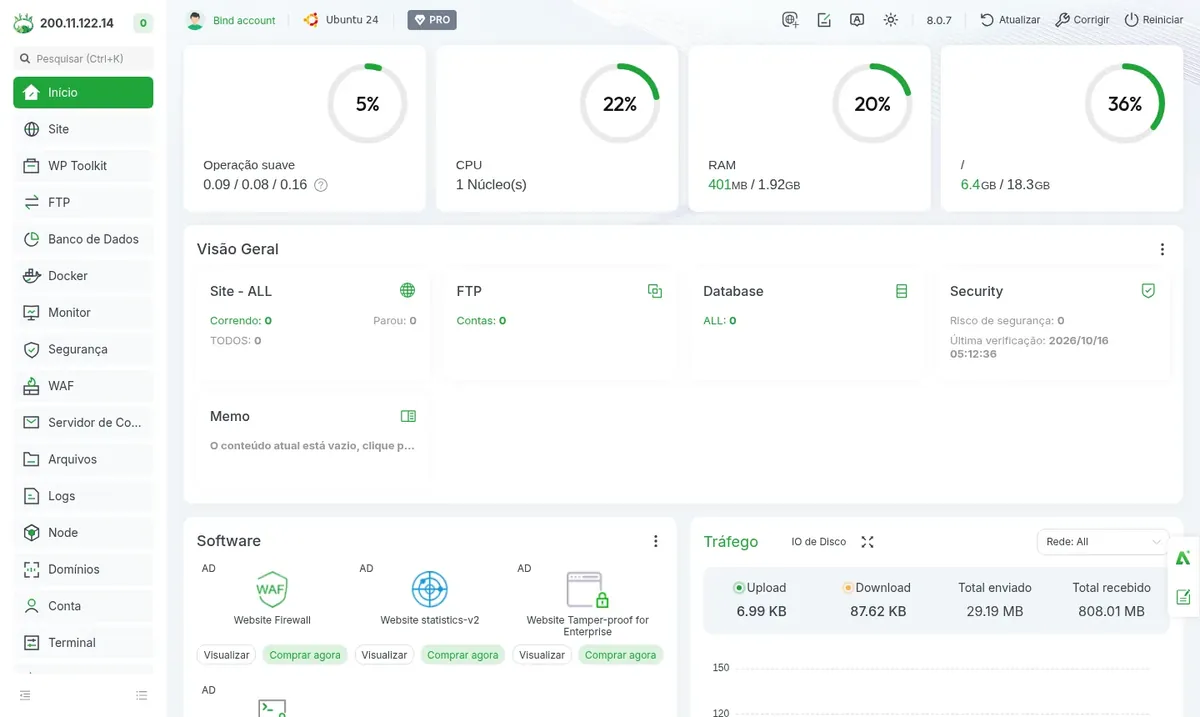
The panel needs at least 1024 MB of free memory, and all four VPS plans with the panel are above that. To host several sites with real traffic, we recommend Plus, from US$ 18.59/mo.
Priced per month in US dollars, with the panel installed. Rio de Janeiro or São Paulo, same price. Need more than the largest plan shown? Upgrade from the client area, without reinstalling.
With Rio de Janeiro selected, your VPS with aaPanel runs in Mega's original data center, on our own network with a presence at the Rio internet exchange (IX.br) and redundant transit. It offers the lowest latency for users in Rio, Espírito Santo and Minas Gerais, and our support team works in the same city as the server.
With São Paulo selected, your VPS with aaPanel runs in our environment next to the busiest internet exchange in Latin America, on our own network with redundant transit. It is the shortest path to users across Brazil and South America and to banks, payment gateways and APIs hosted in São Paulo. Same price as Rio.
Rio de Janeiro to
São Paulo to
aaPanel is a free control panel for Linux servers, built by the same team as BT Panel. With it you install and manage the web server (Nginx, Apache or OpenLiteSpeed), multiple PHP versions, MySQL or MariaDB, FTP and phpMyAdmin.
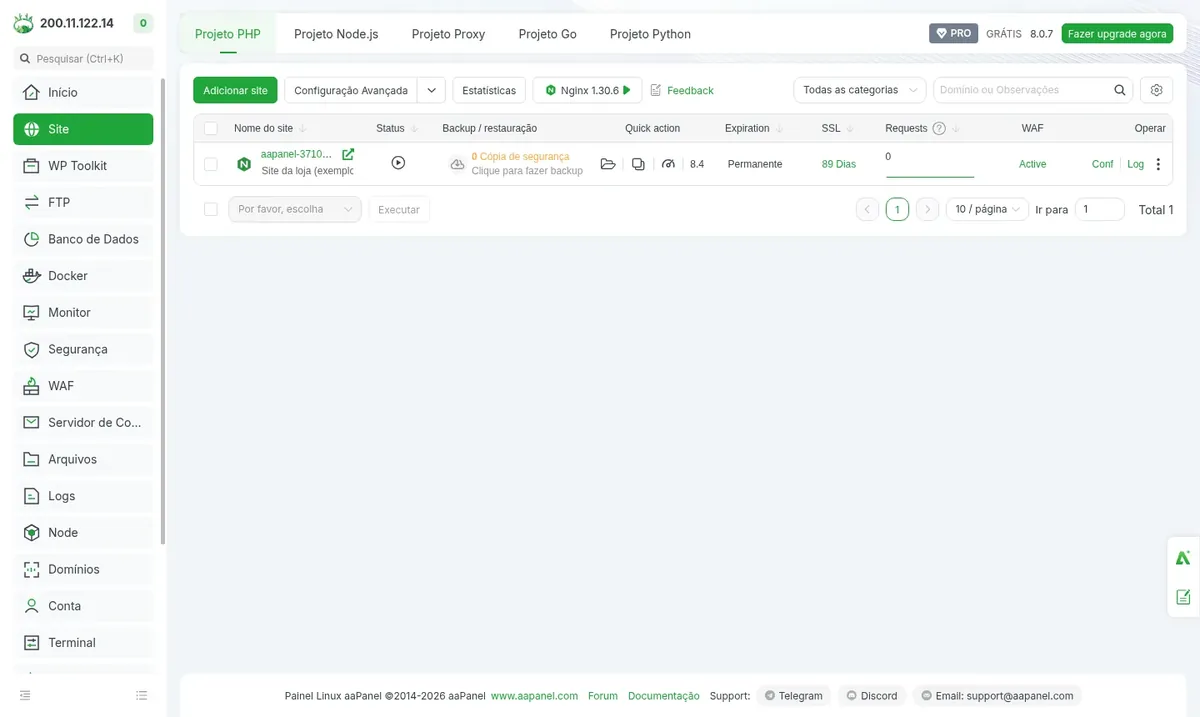
Each site gets a domain, a free Let's Encrypt SSL certificate, a database and an FTP user in a few clicks. The panel also includes a file manager, task scheduler, backups, firewall and a terminal inside the browser.
On first login, aaPanel asks which web stack you want to install. The quick install with Nginx, MariaDB, PHP 8.4, FTP and phpMyAdmin took about 8 minutes in our tests. The panel is free, but the vendor sells some add-ons separately.
Each domain with its own PHP version and database.
Create the site and database in the panel and get everything ready to install WordPress.
Separate sites, each with its own FTP user, for agencies and small resellers.
Let's Encrypt certificate per domain, with automatic renewal.
Copies of sites and databases on the day and time you choose.
Files, databases, tasks and terminal available from the browser.
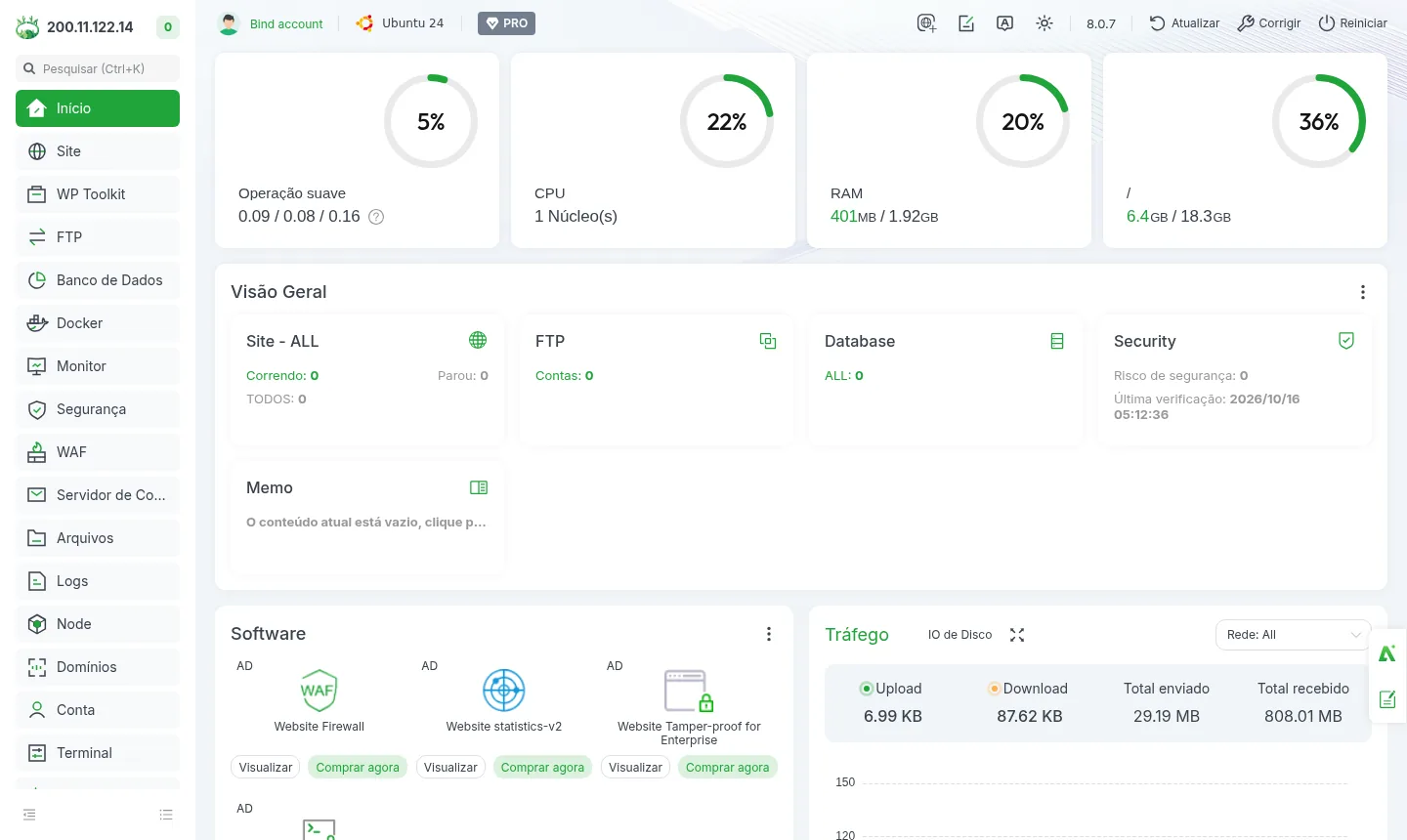
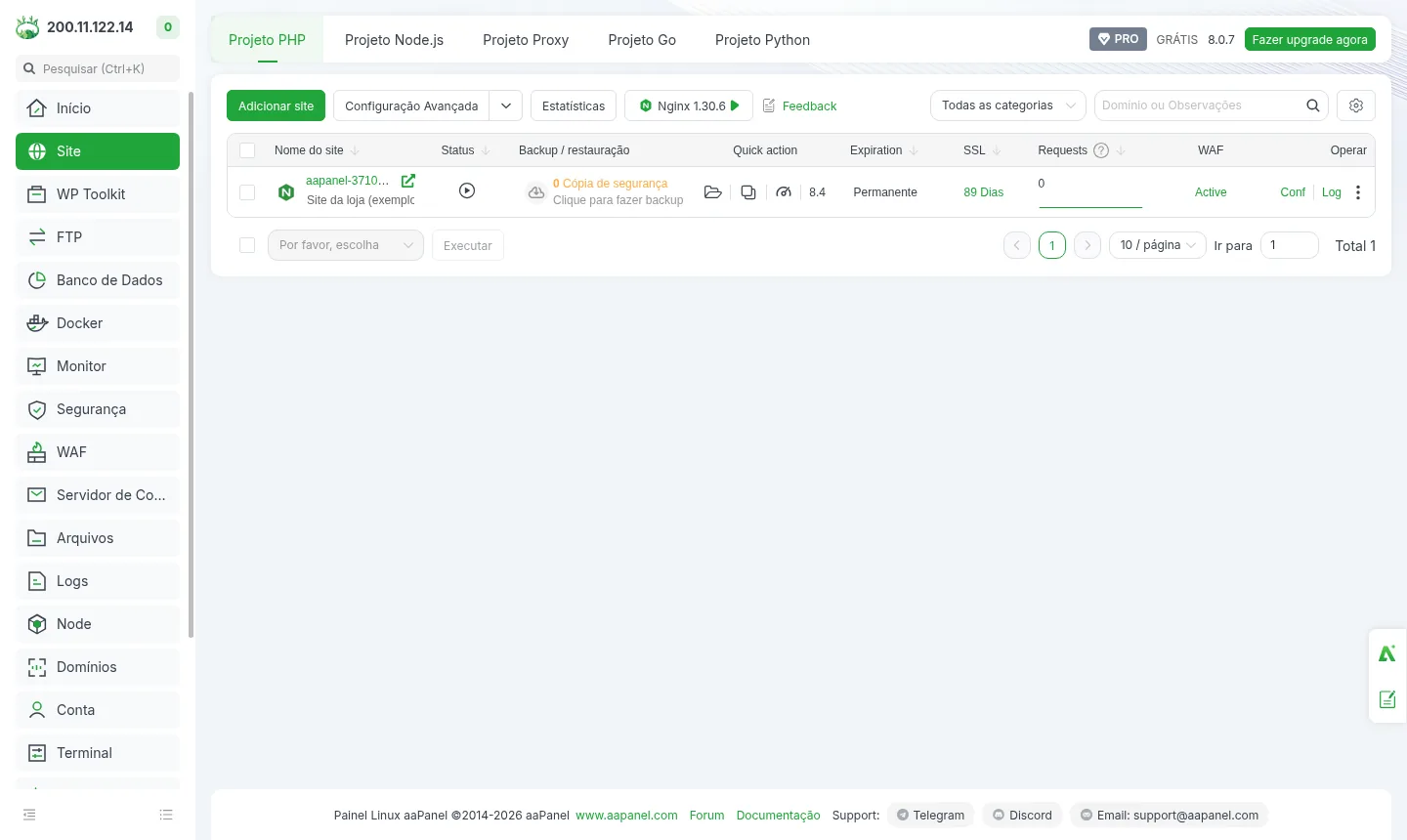
Screenshots taken on a Mega Dedicados test installation, with sample data and no customer information.
Installed with the official installer on Ubuntu 24.04 LTS.
Generated on your server's first boot, so no credentials are shared between customers.
The panel address uses its own port and path, hard to guess.
Valid Let's Encrypt certificate with automatic renewal.
If you type just the server IP, the panel does not open.
Only the panel, web, FTP and SSH ports are open.
Select Basic, Plus, Pro or Turbo and pick Rio de Janeiro or São Paulo, Brazil for your server. The price is the same in both.
PayPal, credit card or USDT, on a monthly, semiannual or annual cycle. No lock-in contract, and you have 7 days to request a refund.
The VPS is created with aaPanel and HTTPS configured. In our tests this took about 5 minutes. Access details arrive by email and WhatsApp.
On first login, choose Nginx or Apache, MySQL and PHP. In about 8 minutes the server is ready to host your sites.
In our measurements, aaPanel with Nginx, MariaDB and PHP installed used about 800 MB of memory before any traffic. Add what your own sites will consume.
| Plan | Best for |
|---|---|
| Basic 2 vCore · 2 GB | One or two light sites with low traffic. |
| Plus 2 vCore · 4 GB | Recommended: several WordPress sites with moderate traffic. |
| Pro 4 vCore · 6 GB | Online stores and high-traffic sites. |
| Turbo 4 vCore · 12 GB | Many client sites on the same server. |
No Brazilian tax ID (CPF/CNPJ) is required to sign up. Pay in US dollars by PayPal, international credit card or USDT; support answers in English, 24 hours a day; the server and its data stay in Brazil (LGPD). Latency measured on 8 November 2026 from public probes: 8 to 12 ms between Rio and São Paulo, 41 ms from Buenos Aires, 118 to 130 ms from Miami, about 140 ms from New York and 200 to 230 ms from Lisbon and Frankfurt.
At Mega Dedicados, a VPS with aaPanel starts at US$ 12.99 per month on the Basic plan. The panel itself is free, and only some vendor add-ons are paid. There is no lock-in contract.
The panel needs at least 1024 MB of free memory. With Nginx, MariaDB and PHP installed, we measured about 800 MB in use with no traffic, so Plus is the plan we recommend most for hosting sites.
We tested both systems. On Debian 13 aaPanel still has no prebuilt packages and compiled the database for over an hour. On Ubuntu 24.04 LTS the same stack was ready in about 8 minutes.
Use the full address sent by email and WhatsApp, which includes the port and security entrance, along with the panel username and password. The panel does not open from the server IP alone, and that is intentional.
Choose the web stack: Nginx or Apache, MySQL and the PHP version. The quick install takes a few minutes. Then create your sites and point the domains to the server IP.
Yes. You can select English or Portuguese on the panel's login screen.
You update the panel yourself with the Update button inside it. Ubuntu security updates are applied automatically.
Our 24/7 support, by WhatsApp, ticket and phone, covers the server: hardware, network, system and performance. Using the panel itself is covered by the official aaPanel documentation.
At Mega you skip the install: the VPS arrives with aaPanel 8, set up with the official installer on Ubuntu 24.04 LTS, with HTTPS, a custom port and a security entrance. On first login you only pick the web stack (Nginx or Apache, MySQL and PHP), and in about 8 minutes the server is ready to host your sites.
Just a few minutes. In our tests, the VPS with aaPanel and HTTPS configured was ready about 5 minutes after the order, and the access details arrive by email and WhatsApp. After that, the quick install of the web stack with Nginx, MariaDB and PHP took around 8 minutes.
Yes. In aaPanel you create the site, the database and the FTP user, and turn on a free Let's Encrypt SSL certificate in a few clicks, so everything is ready to install WordPress. Each domain can use its own PHP version. For several WordPress sites with moderate traffic, we recommend the Plus plan.
Yes. The order form does not require a Brazilian tax ID: name, e-mail and address are enough. You pay in US dollars by PayPal, international credit card or USDT, the server is activated minutes after payment and support answers in English. Latency measured on 8 November 2026 from public probes: 8 to 12 ms between Rio and São Paulo, 41 ms from Buenos Aires, 118 to 130 ms from Miami, about 140 ms from New York and 200 to 230 ms from Lisbon and Frankfurt.
Updated on October 28, 2026
Tell us what you will host and we will suggest the panel and the size. Delivered with the panel installed.


