API Whatsapp - Básico
US$ 13.40/mo
- 3 Messages per minute
- Unlimited Sending limit
- your own WhatsApp number Use
- QRCode Scanear
- Yes PDF sending
- No Image sending
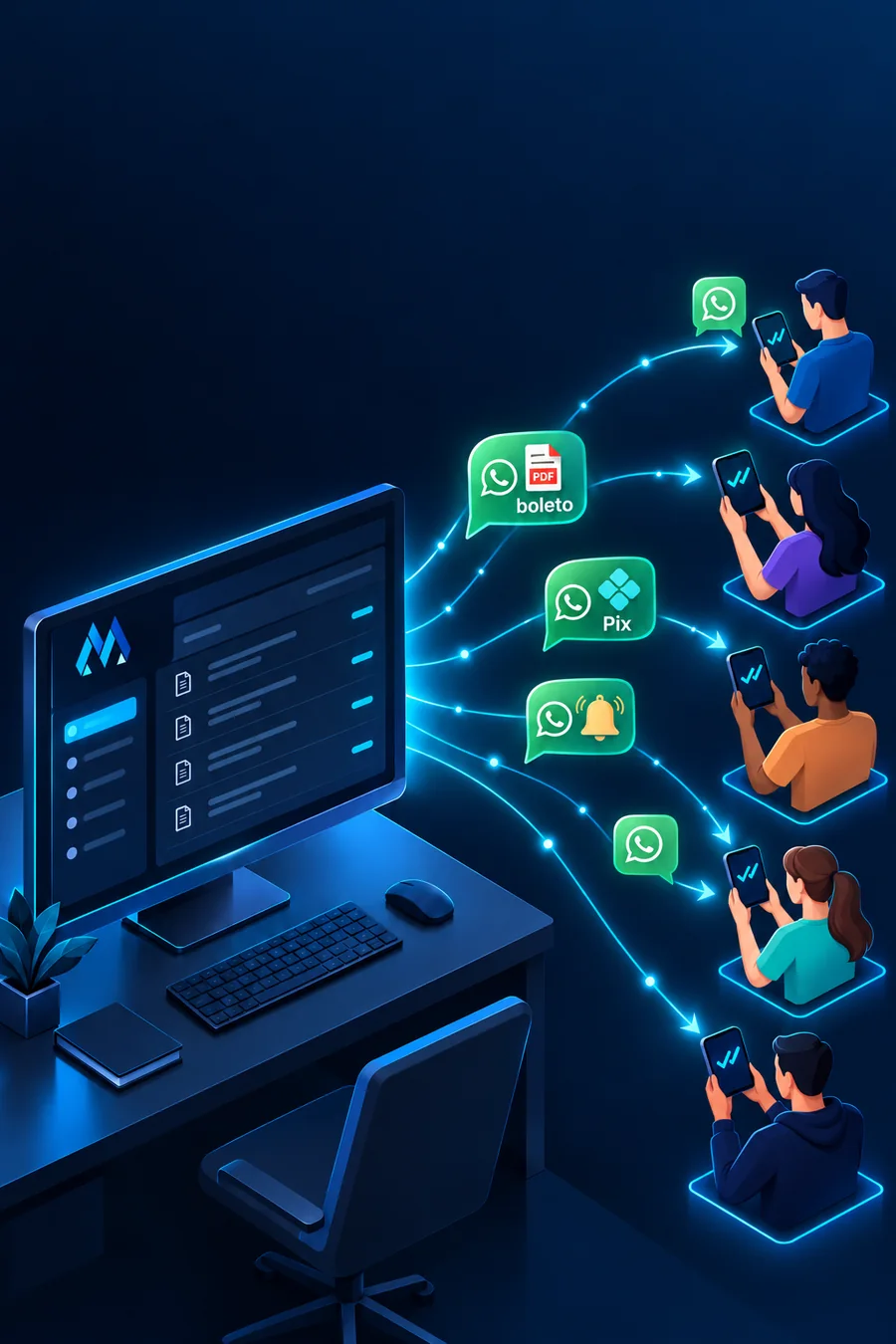
Send invoices, payment codes, due date reminders, maintenance notices and campaigns from your own WhatsApp number, straight from your billing or management system. The API comes ready: scan the QR Code, paste the key into your ERP and start sending. No message cap and no per-message fee.
 WHATSAPP API
A fixed monthly price and unlimited sending, through your own number. The instance runs on our servers in Brazil; you connect the number, integrate it with your system and use it.
Need more than one number or more than 30 messages per minute? Order one instance per number, or talk to us about a higher volume.
Most customers of this API are internet providers, and the use is almost always the same: take away from your support staff whatever the system can send on its own.
Your ERP generates the invoice and the API sends the PDF and the copy-and-paste payment code to the customer's WhatsApp on the right day. Fewer late payments, fewer calls asking for a second copy.
A notice before the due date, on the due date and before service suspension, with the amount and a payment link. Billing rules that systems like MK-Auth, IXC and Hubsoft already know how to build.
Scheduled maintenance, an outage in one region, service restored: one message to every affected customer, triggered from Zabbix, The Dude or your ERP.
Appointment confirmation, technician on the way and job completed, sent by your system when the order status changes.
Promotions, plan upgrades and referral offers sent to your customer base, with image or video, from the number they already know.
If your software can make an HTTP request, it can send through WhatsApp: WHMCS, Zabbix, PlaySMS, Gammu, custom scripts, n8n.
The API follows the Evolution API standard, which the main ISP and management systems already recognize on their notification settings screen. Usually you only enter the API address, the instance name and the key.
Your system is not on the list? If it sends webhooks or HTTP requests, it integrates the same way. Talk to us and we will check it with you.
After payment, you receive the API address, the instance name and the key by email and WhatsApp, along with the panel to connect your number.
Open WhatsApp on the number that will send messages (a regular SIM or WhatsApp Business), scan the QR Code in the panel and you are done: the number is connected and you stay in control.
On your ERP's notification screen, enter the address, instance and key. Send a test. From then on, invoices, reminders and notices go out on their own.
The instance runs on a Mega server in Brazil. You do not manage any server: you connect the number and integrate. Best for businesses and providers that only want to send messages.
You order a Cloud VPS with Evolution API installed and manage the instance yourself: multiple numbers, webhooks, and integrations with Chatwoot, Typebot and n8n on the same server. Best for teams building on top of the API.
It is a service that lets your system send WhatsApp messages through HTTP calls, with nobody typing on a phone. Your ERP, WHMCS or a script calls the API with the phone number and the content, and the message goes out from the connected number.
You use your own. Any number with WhatsApp (a regular SIM or WhatsApp Business) is connected by QR Code, like WhatsApp Web. The number keeps working normally on your phone.
There is no monthly limit and no per-message fee. Sending is capped at 30 messages per minute per instance, to protect the number and keep delivery stable.
Yes. The API sends text, PDFs (such as a boleto), images and videos. A Pix copy-and-paste code goes as text and the boleto as a document, the same way MK-Auth, IXC, Hubsoft and MK Solutions already build them.
MK-Auth, IXC Provedor, Hubsoft, MK Solutions, SGP, Controllr, WHMCS, Mk Full, RbFull, Ispfy, Gesprov, The Dude, Zabbix, PlaySMS and Gammu, plus any system that makes HTTP requests or sends webhooks.
WhatsApp can restrict numbers that send mass messages to people who are not customers. When you use the API to notify your own customers with useful content (invoices, service orders, maintenance) and stay within 30 messages per minute, the usage is the same as an agent on WhatsApp Web. Spam to purchased lists is not allowed.
This API uses your own number connected by QR Code, with no per-conversation fee. If you need the official API (WhatsApp Business Platform), Evolution API installed on your VPS also supports that mode.
Each instance serves one number. For two or more numbers, order one instance for each; billing is per instance.
The instance is created after payment is confirmed and the access details arrive by email and WhatsApp. Connecting the number takes about a minute.
Tell us which ERP you use. We will show you the integration screen and send a test message to your number.