Storage 01
US$ 13.40/mo
- 1 vCore CPU
- DDR4 2 GB Memory
- 500 GB Disk
- Unlimited Traffic
- 1 Gbps Network
- 1 IPv4 + IPv6
A VPS in Brazil built to hold a lot of data: 500 GB to 8 TB of disk at a price a standard VPS can't match, with unlimited traffic, IPv4 and IPv6, and DDoS protection. It is the right place for off-site backup, Nextcloud, file storage, media and recordings, with root access and the operating system you choose.
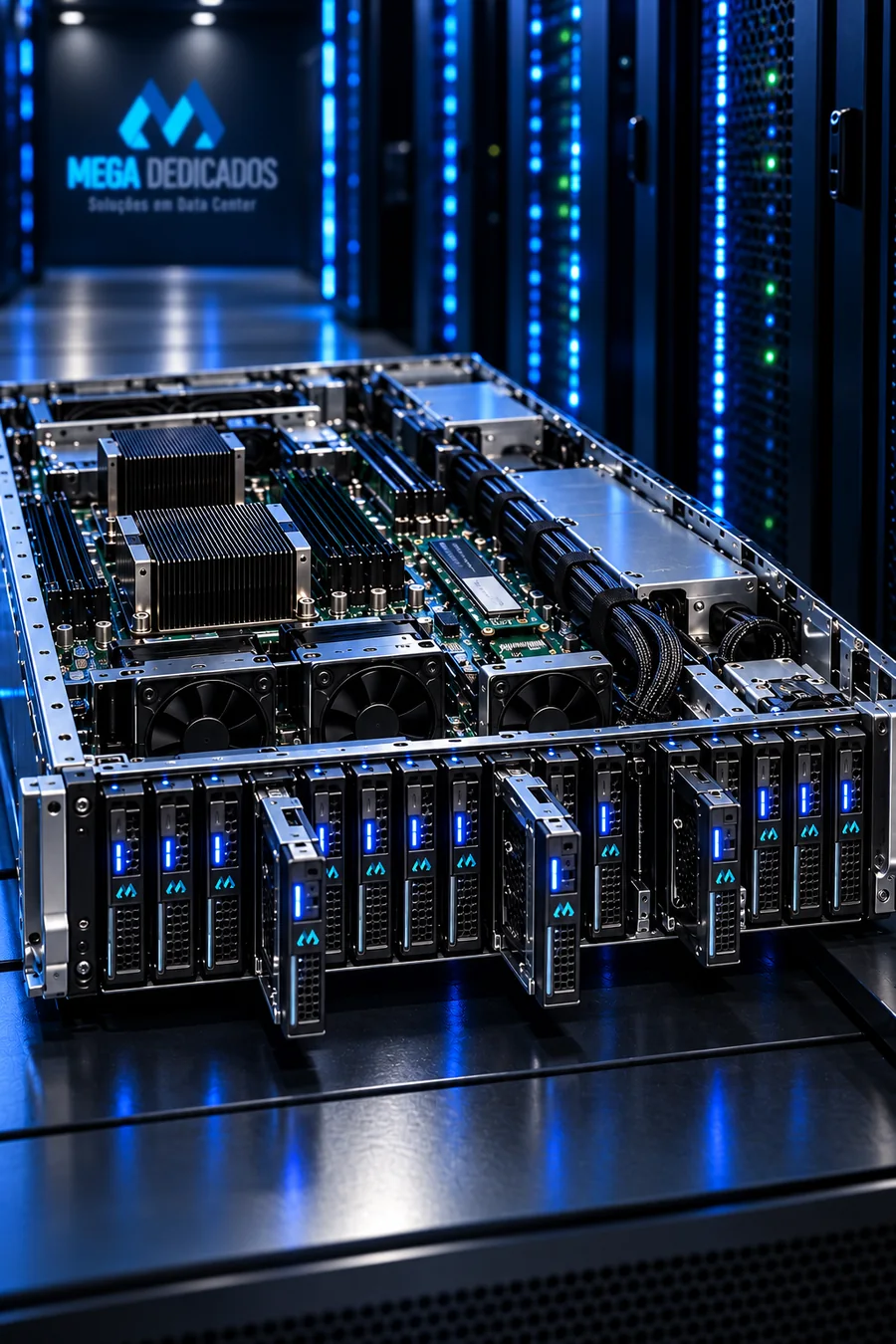
 STORAGE VPS · RJ
Five sizes: 500 GB, 1 TB, 2 TB, 4 TB and 8 TB. All include unlimited traffic on 1 Gbps, IPv4 and IPv6, DDoS protection and a management panel. Need more CPU or memory than the plan includes? You can add it when you order, without changing plans.
More memory, more cores, a big disk or a combination that is not in the table? We build the plan to your size, with the price settled before you order.
A backup target for your VPS, dedicated server or company network, using rsync, Restic, Borg, Veeam or whatever your routine already uses. If the main server goes down, the copy is on a different machine.
A company file cloud with Nextcloud, ownCloud or plain SFTP: terabytes shared with your team, with no per-user monthly fee.
Videos, high-resolution photos, camera recordings (NVR) and project files. Room to grow without deleting what is already stored.
Serve downloads, images and videos for your site or app, directly or behind a CDN, with unlimited traffic.
MinIO or Garage give you your own S3, compatible with the tools that already speak S3, so you pay for disk and not per request.
Databases that grow every day, years of logs, a small data lake: space to keep the full history accessible.
RAID disks on the physical server, with NVMe cache for frequently accessed data. Capacity is the focus; if your workload needs high IOPS, Cloud VPS with pure NVMe is the better choice.
Overnight backups, all-day sync, heavy downloads: no data cap and no charge per volume.
Inline, multi-layer mitigation included in every plan.
Debian, Ubuntu, AlmaLinux, Rocky or Windows Server 2022, chosen when you order. Root or administrator access.
Power on, reboot, reinstall, reset the password, use the emergency console and view disk and traffic graphs in the client area.
More vCPU, more memory and additional IPs are options on the plan itself. Moving up to the next disk size is an upgrade with no reinstall.
Storage VPS servers run in Mega's original environment in Rio de Janeiro, on our own network with an exit at PTT Rio and redundant transit. Your data stays in Brazil, under Brazilian law, close to the people who use it. For backup and sync, what matters is stable bandwidth and free traffic, and that is what this location delivers.
When disk is what matters: backup, files, media, recordings, object storage. Terabytes at a fraction of the cost of pure NVMe.
Websites, applications, write-heavy databases, anything that needs fast response: pure NVMe and more CPU. See Cloud VPS.
The most common setup: the system runs on Cloud VPS and the daily backup goes to Storage, on another machine, over the data center's internal network.
Storage VPS, VPS HDD, cloud storage VPS: different names for the same idea. It is a virtual server sized for disk capacity rather than processing: 500 GB to 8 TB of storage with enough CPU and memory to run backup, file and media services. It costs much less per terabyte than a VPS with pure NVMe SSD, and the hosting is in Brazil.
Cloud VPS uses pure NVMe and more CPU, for applications that need fast response. Storage uses RAID disks with NVMe cache and focuses on space. Many customers use both: the system on Cloud and the backup on Storage.
Yes, it is the most common use. It works with rsync, Restic, Borg, Duplicati, Veeam, Proxmox Backup and any tool that speaks SSH, SFTP, SMB or S3 (with MinIO installed).
Yes. There is no data cap and no charge per volume; the port is a shared 1 Gbps. Sync as much as you need.
Yes. With root access you can install whatever you want: Nextcloud, ownCloud, Plex, Jellyfin, MinIO, Syncthing or a plain SFTP server.
Both. When you order, you choose a Linux distribution (Debian, Ubuntu, AlmaLinux, Rocky) or Windows Server 2022.
Yes. vCPU, memory and additional IPs are product options, available when you order or later through support. More disk means moving up to the next size, with no reinstall.
The disks run in RAID on the physical server, which protects against the failure of a single disk. Still, RAID is not a backup: if Storage holds the only copy of something, keep a second copy elsewhere. DDoS protection is included.
Minutes after payment is confirmed (PayPal, credit card or USDT). Access details arrive by email and WhatsApp.
Tell us what you will store and how much it grows each month, and we will recommend a size. If you run short, upgrading to the next size needs no reinstall.