
Start
US$ 7.49/mo
- 1 vCore CPU
- 1 GB Memory
- NVME 20 GB Disk
- Unlimited Traffic
 Files and backup · Rio de Janeiro or São Paulo
Order a Cloud VPS with Passbolt already installed and keep your company passwords in your own vault, in a data center in Brazil. You receive the HTTPS address and the admin activation link, with nothing to set up by hand.
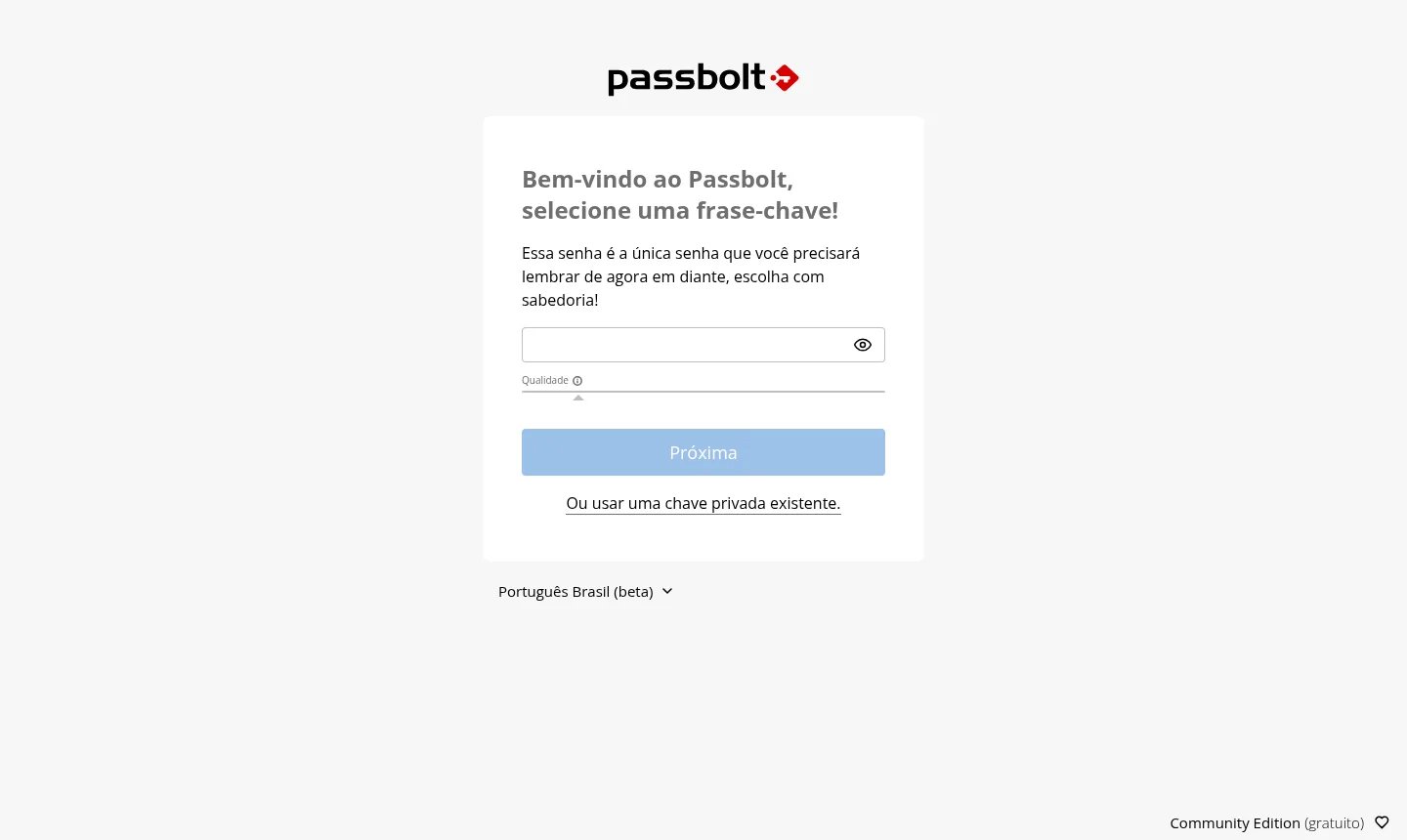
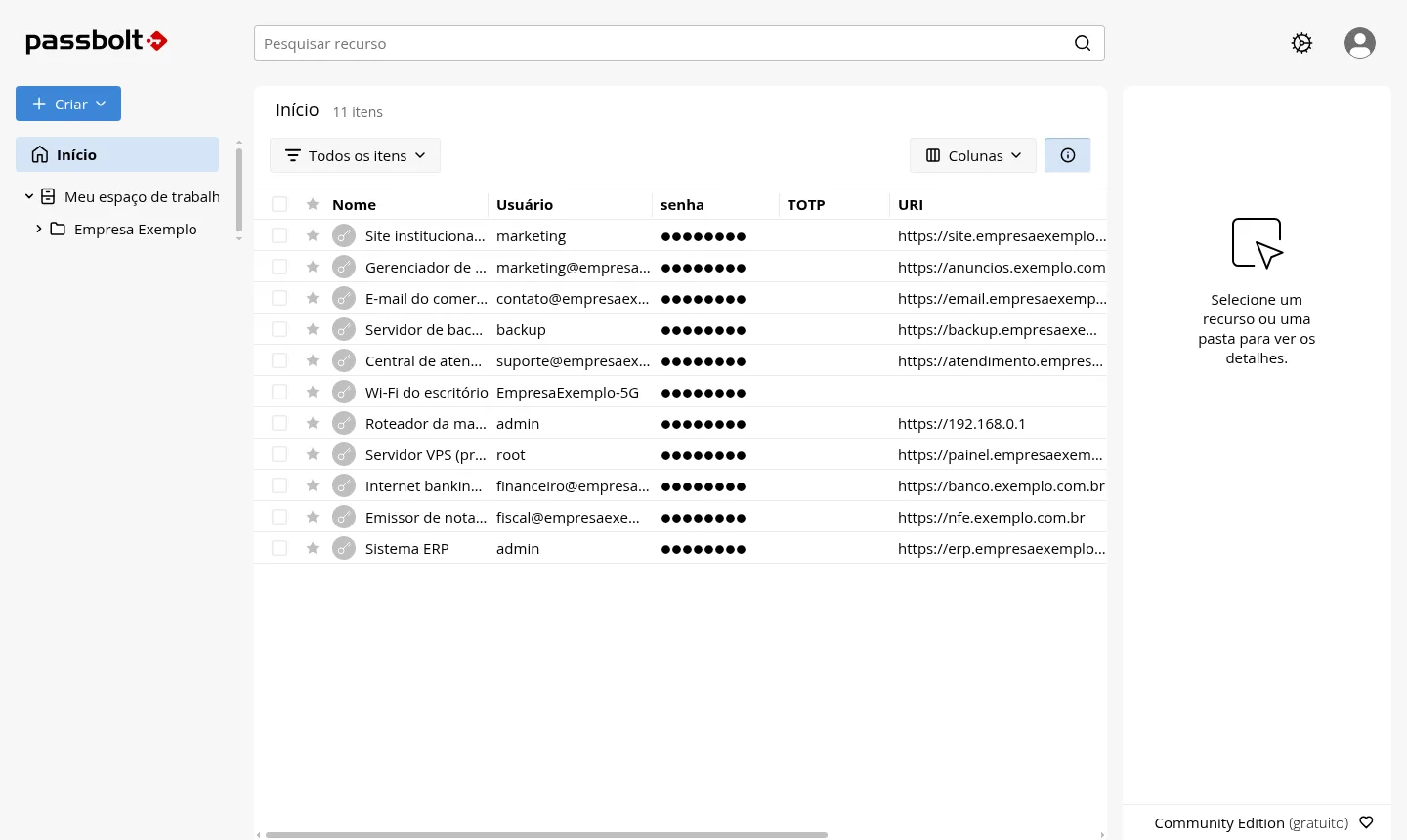
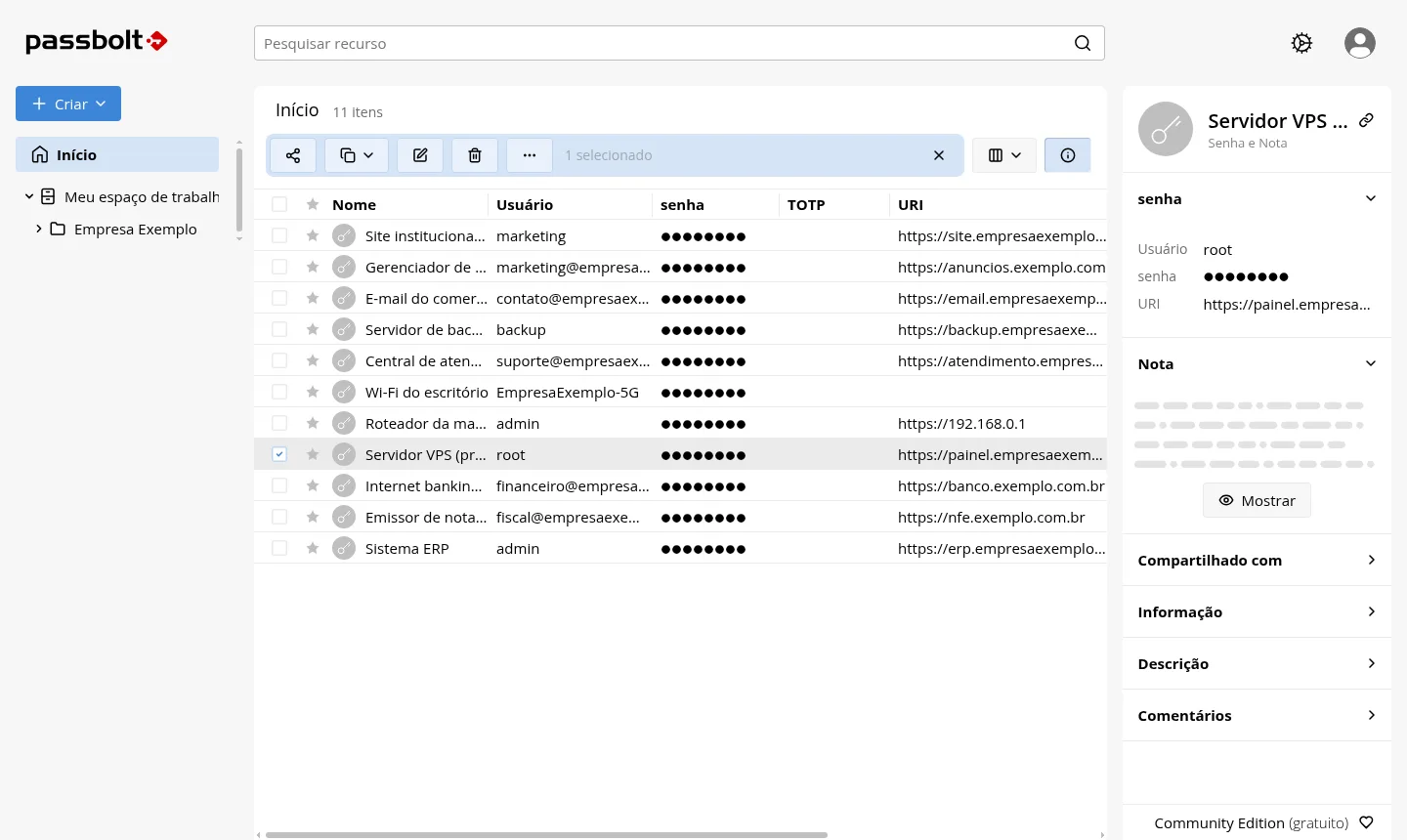
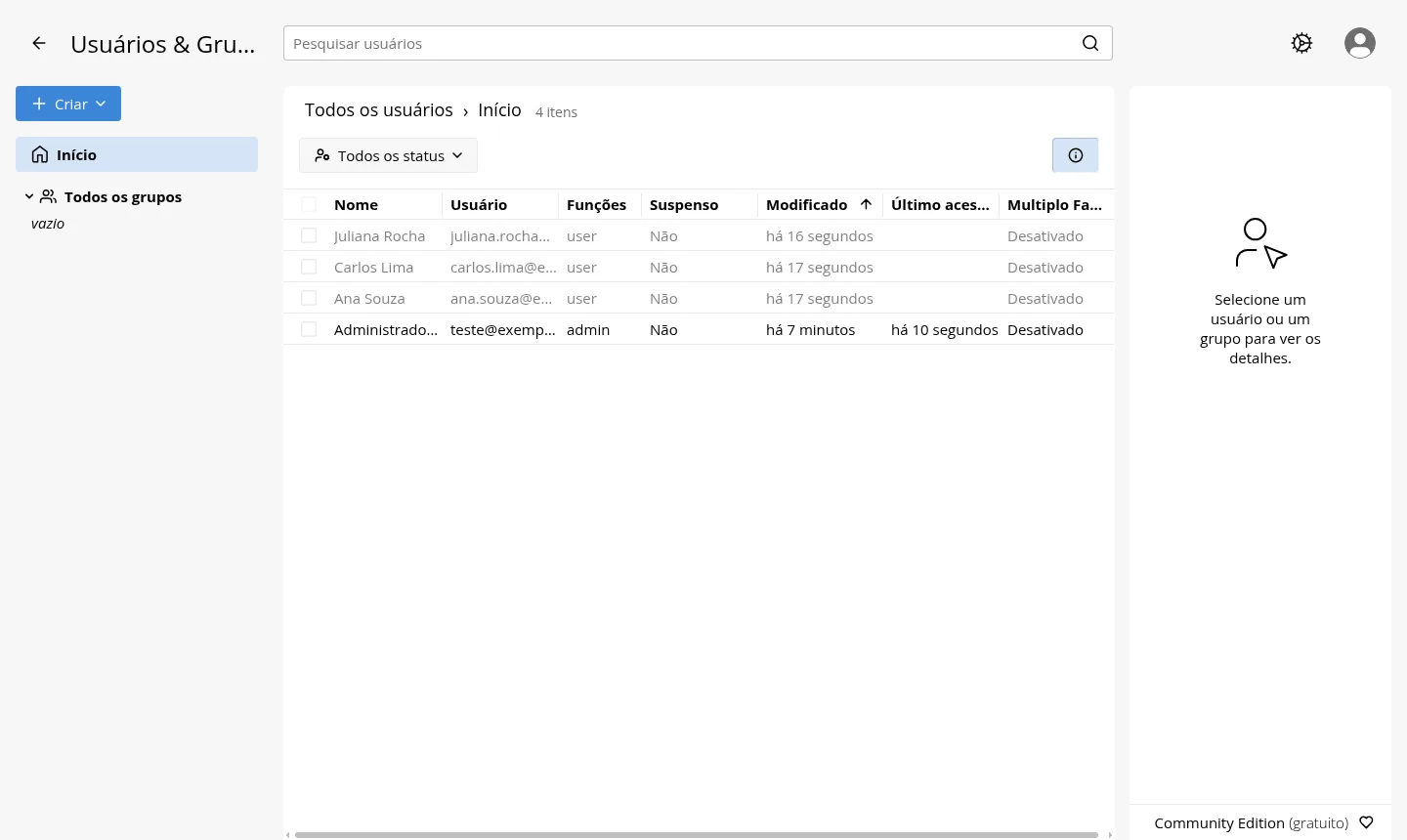
Passbolt is installed on the Start, Basic, Plus and Pro plans, in the location you choose when ordering, Rio de Janeiro or São Paulo, Brazil, at the same price. All plans include NVMe storage, 1 Gbps with unlimited traffic, IPv4 and IPv6, and inline DDoS protection.
Billed in US dollars, with the app installed. Rio de Janeiro or São Paulo, same price. Plans start at the smallest size where the app runs well. Need more? Upgrade from the client area, without reinstalling.
With Rio de Janeiro selected, your VPS with Passbolt runs in Mega's original data center, on our own network with a presence at the Rio internet exchange (IX.br) and redundant transit. It offers the lowest latency for users in Rio, Espírito Santo and Minas Gerais, and our support team works in the same city as the server.
With São Paulo selected, your VPS with Passbolt runs in our environment next to the busiest internet exchange in Latin America, on our own network with redundant transit. It is the shortest path to users across Brazil and South America and to banks, payment gateways and APIs hosted in São Paulo. Same price as Rio.
Rio de Janeiro to
São Paulo to
Passbolt is an open-source password manager built for teams. It is maintained by Passbolt SA, based in Luxembourg, and the Community Edition (CE), licensed under AGPL-3.0, is free to use. Mega installs version CE 5.17.0, released on October 23, 2026.
Protection relies on end-to-end OpenPGP encryption. Each person has their own key, created in the browser and locked by a passphrase only they know, and the server stores encrypted content only. For this reason, neither Mega nor the VPS administrator can read the stored passwords.
Day to day, passwords live in folders and can be shared with people or groups, such as Finance and IT, and you set per item whether someone can read, edit or own it. Each entry holds a username, password, URL, description, encrypted notes and a TOTP code, and you access it through the browser extension or the mobile app.
Source: Official Passbolt website and project documentation (accessed in October 2026)
Keep logins for tools, dashboards and social networks in one place instead of spreadsheets and chat threads.
Organize each client's credentials in a folder and share it only with the people who handle that account.
Store keys, database passwords and server access with permissions per person or per group.
Separate Finance, Sales and Support so each team sees only what it needs.
Import your existing data from LastPass, Bitwarden or 1Password CSV files, or from KeePass kdbx files.
Keep the vault on your own server in Brazil, without relying on a third-party service to store your passwords.
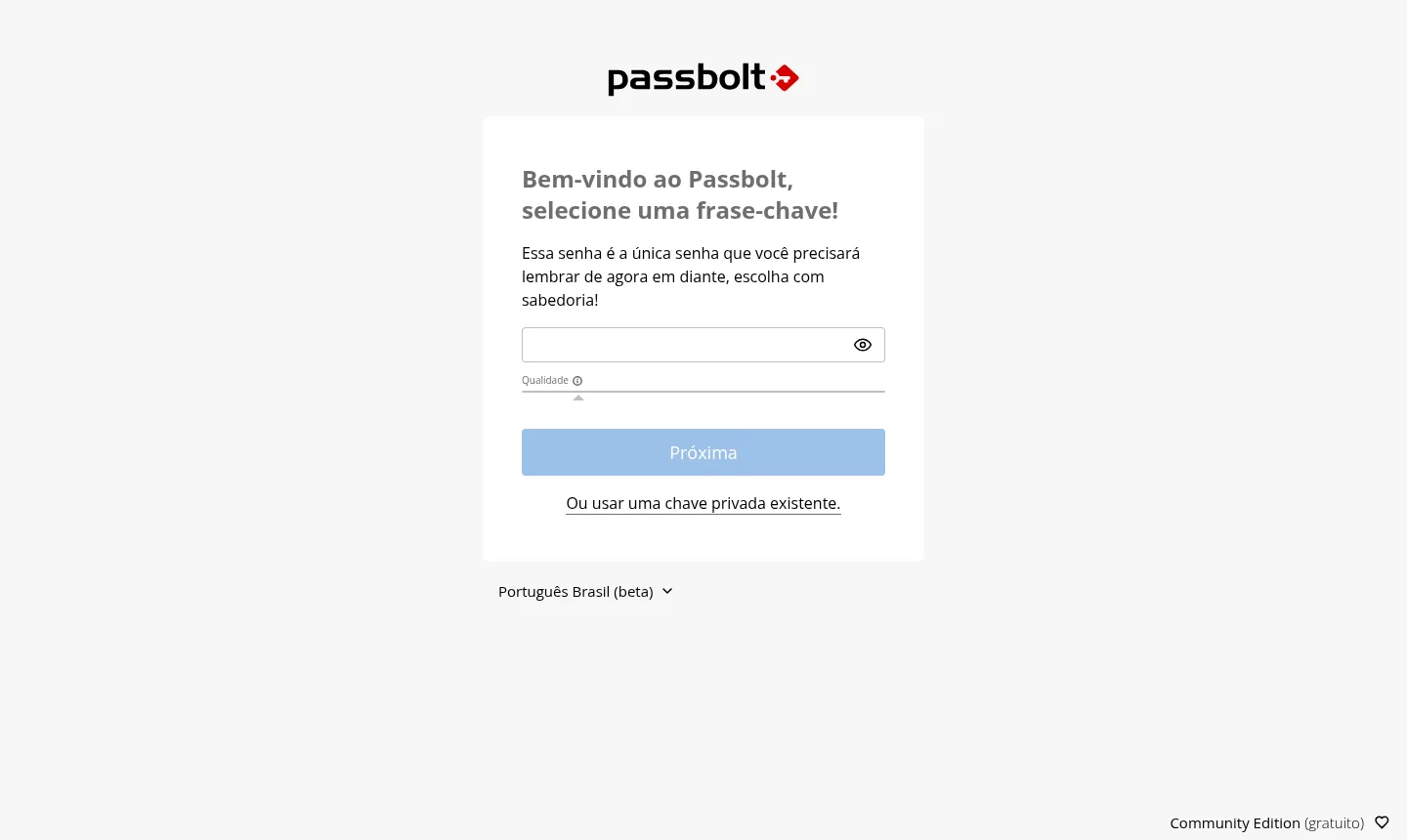
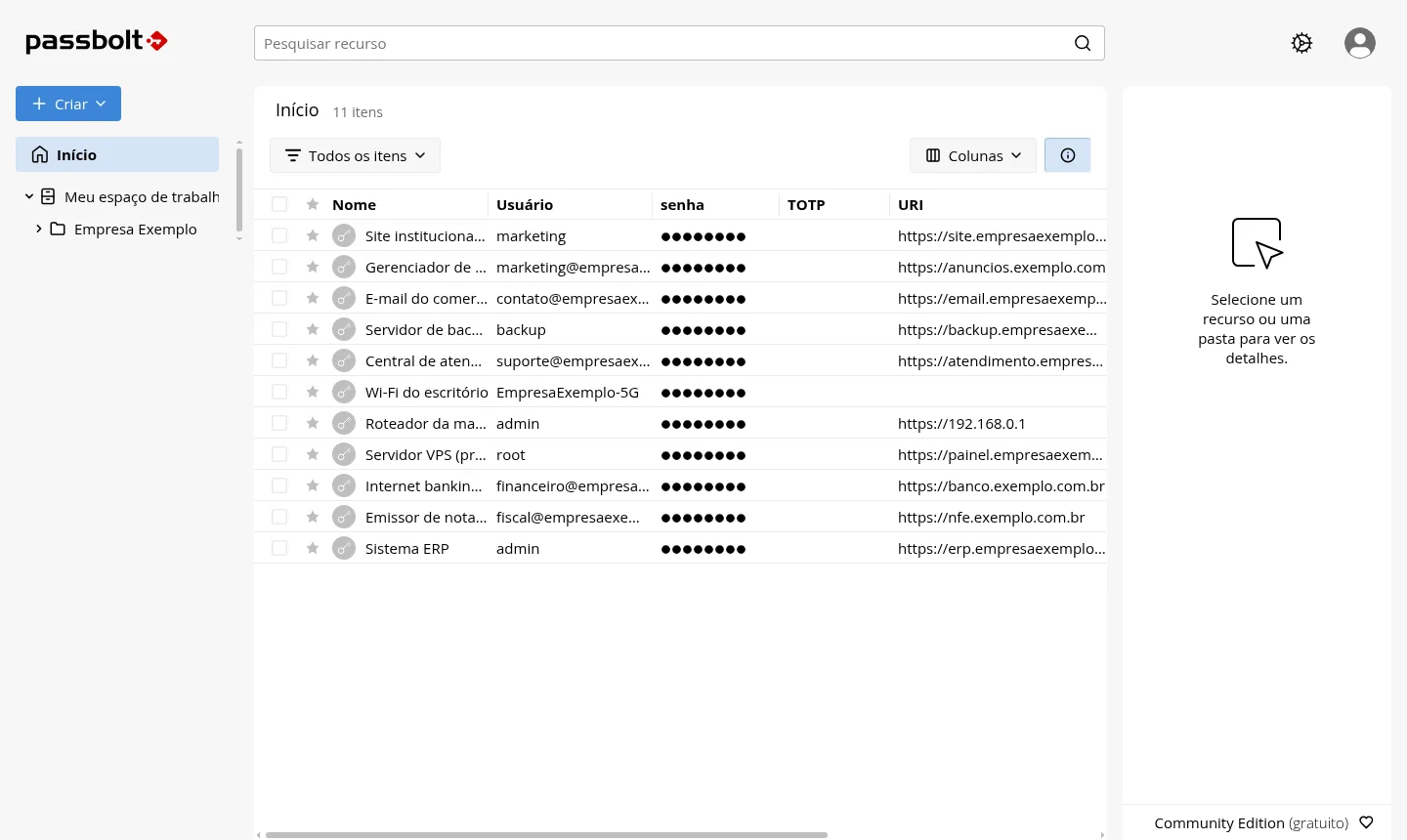
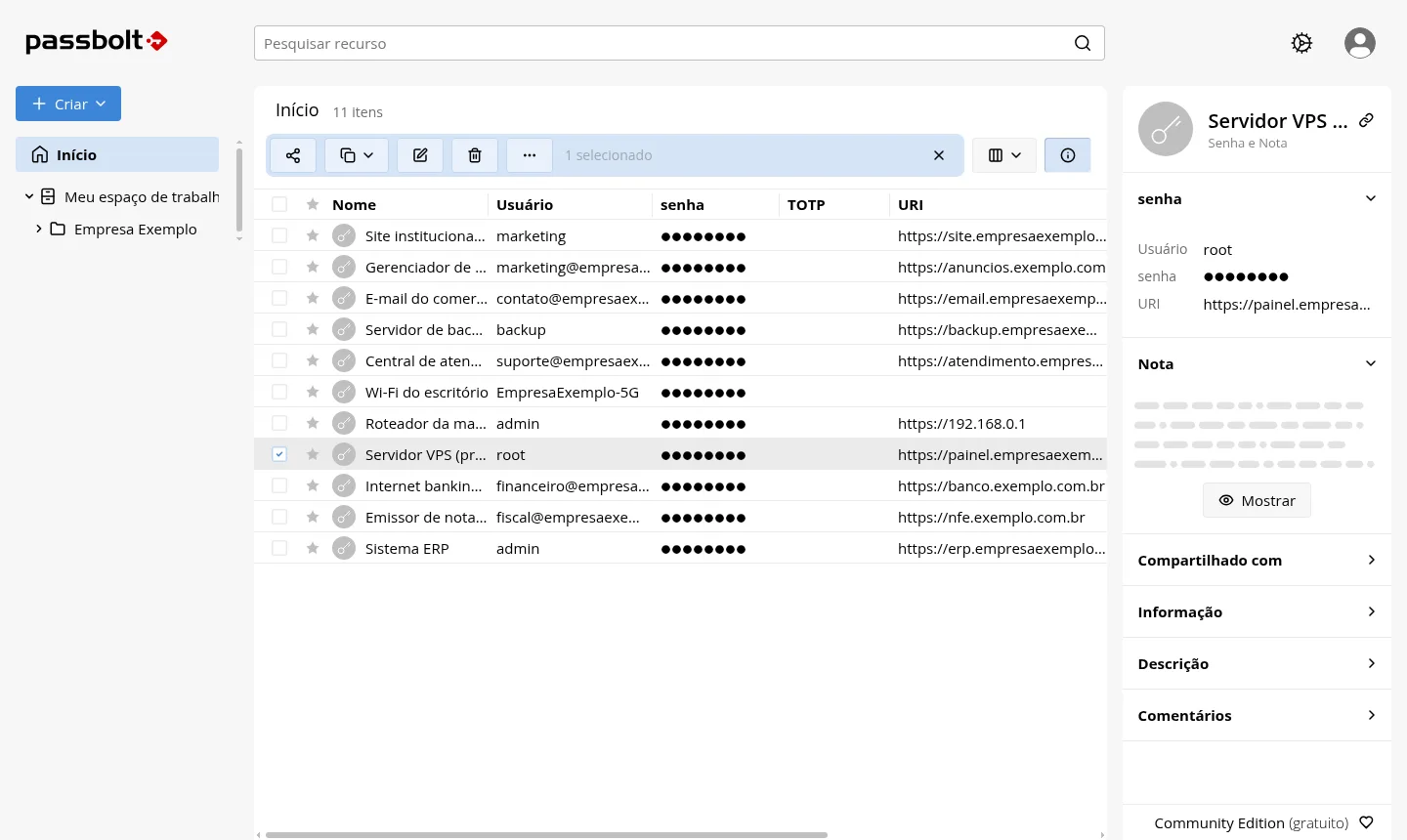
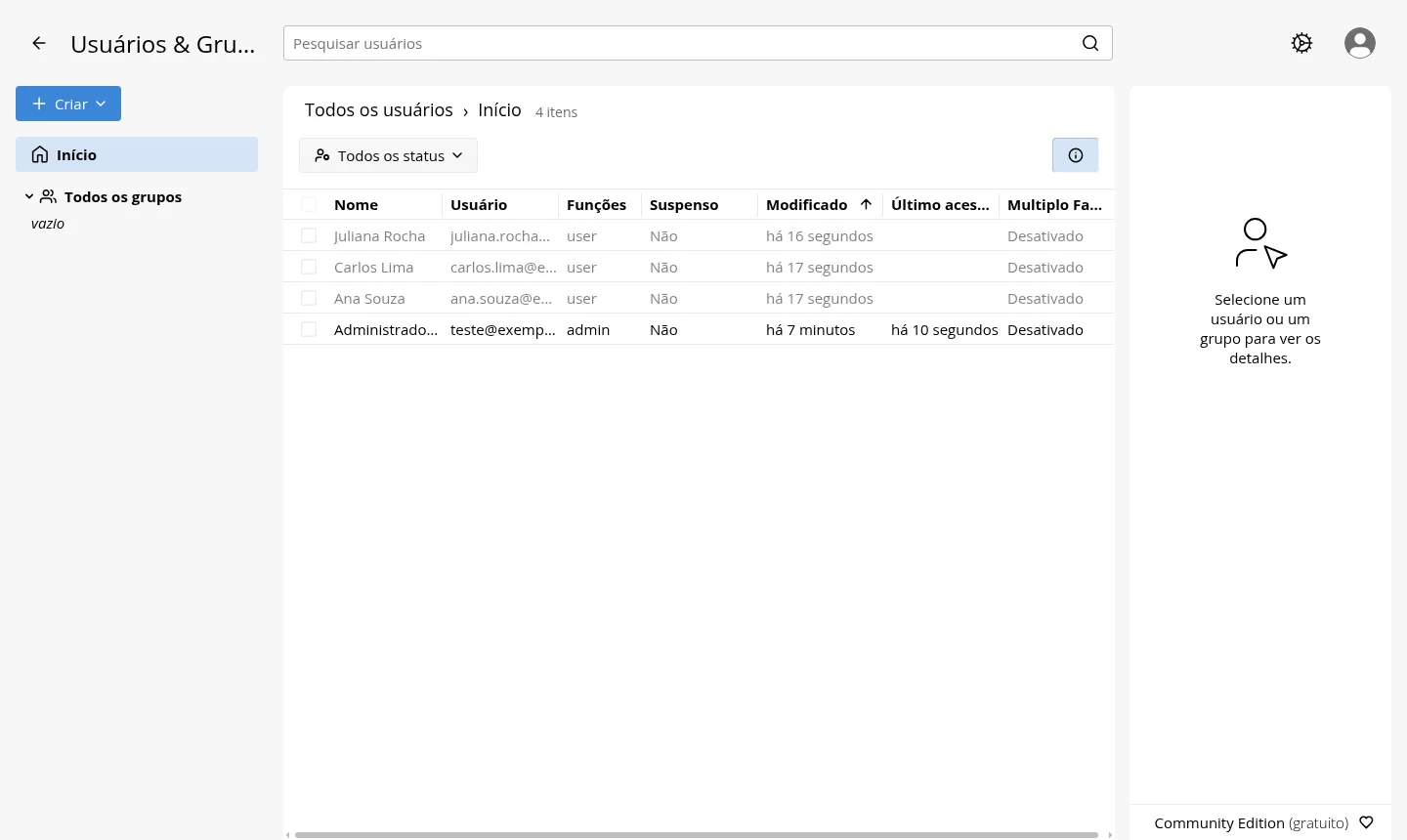
The images come from a Mega test installation and contain no customer data.
A current system with the application in containers, running Passbolt from the official image without root privileges.
The database runs on an internal Docker network, with no direct exposure to the internet.
Your own address with a valid certificate, forced redirect to HTTPS and secure cookies.
Nobody can create an account on their own. Only the administrator invites new users.
The account is created with your email. You open the link, install the extension, set your passphrase and download the recovery kit.
The image uses a PHP version that already fixes the vulnerability disclosed on October 21, 2026.
Select Start, Basic, Plus or Pro and choose whether the server is in Rio de Janeiro or São Paulo, Brazil.
Pay with PayPal, credit card or USDT, billed monthly, semiannually or annually, with no lock-in.
Once the server is ready, you get the address, access details and admin activation link by email and WhatsApp.
Open the link, install the extension and create your passphrase. Then add your SMTP server under Administration > Email server and send the invitations.
In Mega's tests, Passbolt with MariaDB used about 330 MB of memory, roughly 160 MB for Passbolt and 170 MB for the database. The app fits with 512 MB free, and Basic is the plan we recommend.
| Plan | Best for |
|---|---|
| Start 1 vCore · 1 GB | With 1 GB, it runs Passbolt alone on the server, for a small team that only wants the password vault. |
| Basic 2 vCore · 2 GB | Recommended. With 2 vCore and 2 GB, it leaves memory headroom for a team's daily use. |
| Plus 2 vCore · 4 GB | With 4 GB and 80 GB of NVMe, it suits those who want to share the VPS with other apps besides Passbolt. |
| Pro 4 vCore · 6 GB | With 4 vCore, 6 GB and 120 GB of NVMe, it is the choice for running several services on the same server. |
No Brazilian tax ID (CPF/CNPJ) is required to sign up. Pay in US dollars by PayPal, international credit card or USDT; support answers in English, 24 hours a day; the server and its data stay in Brazil (LGPD). Latency measured on 8 November 2026 from public probes: 8 to 12 ms between Rio and São Paulo, 41 ms from Buenos Aires, 118 to 130 ms from Miami, about 140 ms from New York and 200 to 230 ms from Lisbon and Frankfurt.
It is an open-source password manager built for teams. The Community Edition, installed by Mega, is free and uses the AGPL-3.0 license. You only pay for the VPS.
Passbolt is built for companies that share passwords across departments and need to control who sees each item. Vaultwarden is compatible with Bitwarden apps and works well for personal use, families and small teams. Mega offers both.
The app fits with 512 MB free. In Mega's measurements, the app plus its database used about 330 MB, which is why the Basic plan is recommended for headroom.
No. Each user's key is created in the browser and protected by a passphrase only they know. The server stores encrypted data only.
Yes. Passbolt sends invitations and notifications over SMTP, and Mega does not install an SMTP server on your VPS. You add yours under Administration > Email server before inviting your team.
Yes. Passbolt imports CSV files in LastPass, Bitwarden, 1Password and other formats, as well as KeePass kdbx files. You can also export your data.
Yes. The official extension works on Chrome, Edge, Firefox and Brave, and there are apps for Android and iOS. Usage of the app is documented by the project itself.
Yes. Each app gets its own address, as long as the plan's memory can hold them all. Mega's 24/7 support covers the server side, and you have 7 days to request a refund.
On a Mega VPS it is already installed. Passbolt CE 5.17.0 runs in Docker containers on Debian 13 from the official image, without root privileges, with MariaDB 11.8 on an internal Docker network and HTTPS from Let's Encrypt. You receive the admin activation link, install the browser extension, set your passphrase and invite your team.
It depends on who you want running the server. The vendor offers a paid Cloud version that it manages for you. With self-hosted Passbolt, the Community Edition is free, the vault lives on your own server in Brazil with root access, and you only pay for the VPS. In exchange, updates are up to you.
Yes. The order form does not require a Brazilian tax ID: name, e-mail and address are enough. You pay in US dollars by PayPal, international credit card or USDT, the server is activated minutes after payment and support answers in English. Latency measured on 8 November 2026 from public probes: 8 to 12 ms between Rio and São Paulo, 41 ms from Buenos Aires, 118 to 130 ms from Miami, about 140 ms from New York and 200 to 230 ms from Lisbon and Frankfurt.
Updated on October 28, 2026
 VaultwardenCloud VPS with Vaultwarden installed: a Bitwarden-compatible password server, with HTTPS and root access.
 NextcloudNextcloud stores, syncs and shares your files on a server you own, with no per-user fees.
 Uptime KumaUptime Kuma watches your sites, APIs and servers and alerts you when something goes down.
Tell us what you want to run and for how many users; we will suggest the plan. The app comes preinstalled.