
Start
US$ 6.95/mo
- 1 vCore CPU
- 1 GB Memory
- NVME 20 GB Disk
- Unlimited Traffic
 Files and backup · Rio de Janeiro or São Paulo
Order a Cloud VPS with Vaultwarden preinstalled: a password server compatible with the Bitwarden apps, with HTTPS and root access. You choose the data center, Rio de Janeiro or São Paulo, Brazil, and keep your company's passwords on your own server.
Vaultwarden runs with as little as 512 MB of free memory, so the Start plan covers most cases. Basic, Plus and Pro make sense when the same server will also run other apps.
Billed monthly in US dollars, with the app installed. Rio de Janeiro or São Paulo, same price. Plans start at the smallest size where the app runs well. Need more? Upgrade from the client area, without reinstalling.
With Rio de Janeiro selected, your VPS with Vaultwarden runs in Mega's original data center, on our own network with a presence at the Rio internet exchange (IX.br) and redundant transit. It is the lowest latency for users in Rio, Espírito Santo and Minas Gerais, and our support team works in the same city as the server.
With São Paulo selected, your VPS with Vaultwarden runs in our environment next to the busiest internet exchange in Latin America, on our own network with redundant transit. It is the shortest path to users across Brazil and South America and to banks, payment gateways and APIs hosted in São Paulo. Same price as Rio.
Vaultwarden is a password server written in Rust and released under the AGPL-3.0 license. It reimplements the Bitwarden API, so it works with the Bitwarden browser extension, mobile apps and desktop apps.
Vault contents are encrypted on each person's device, using their master password, before being sent. The server only stores data that is already encrypted, and anyone with access to the VPS cannot read the passwords without that key.
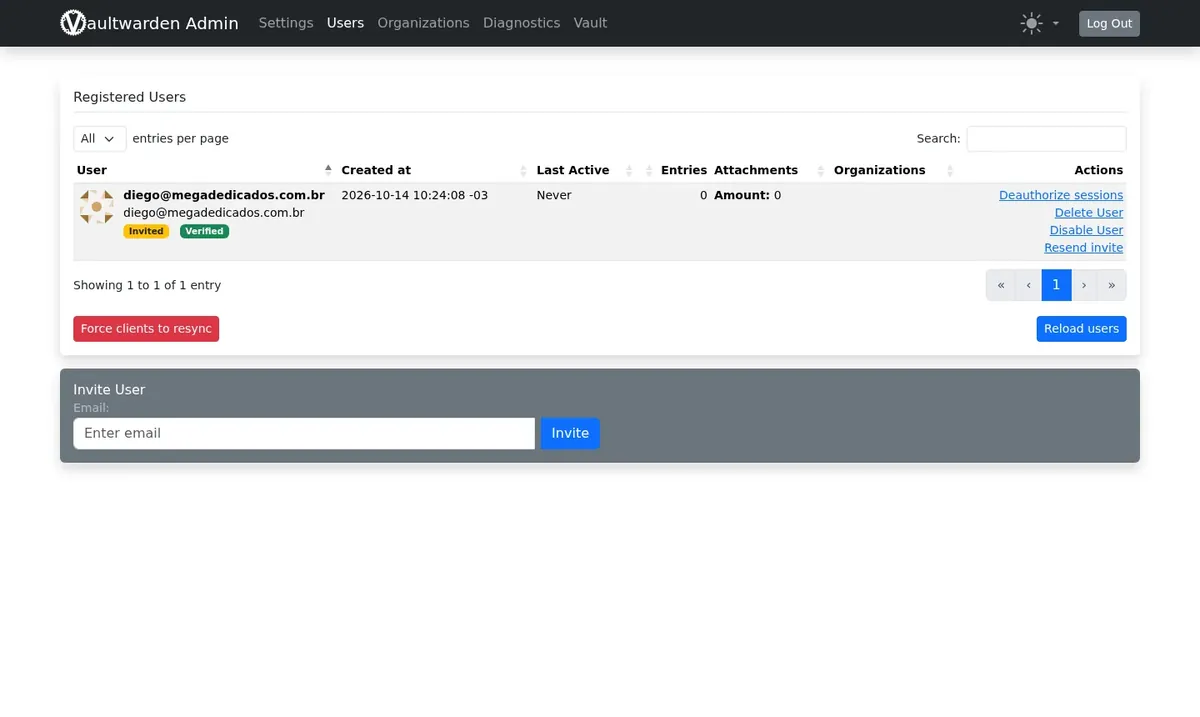
On Mega, the installation comes with the /admin panel and an admin key generated only for your server. Through it you invite users, decide whether sign-ups stay open and manage your team's access.
Source: Official Vaultwarden repository on GitHub, accessed October 2026
Logins for systems, social networks and suppliers kept in one place, instead of circulating in spreadsheets or messages.
The Bitwarden extension fills in usernames and passwords on websites, on desktop and mobile.
Organizations and collections control what each team or client can view and edit.
Create long, unique passwords for every service and save them to the vault at the same moment.
Store notes, card details and identities with encryption.
Keep the TOTP next to the login and protect the vault itself with two-step verification.
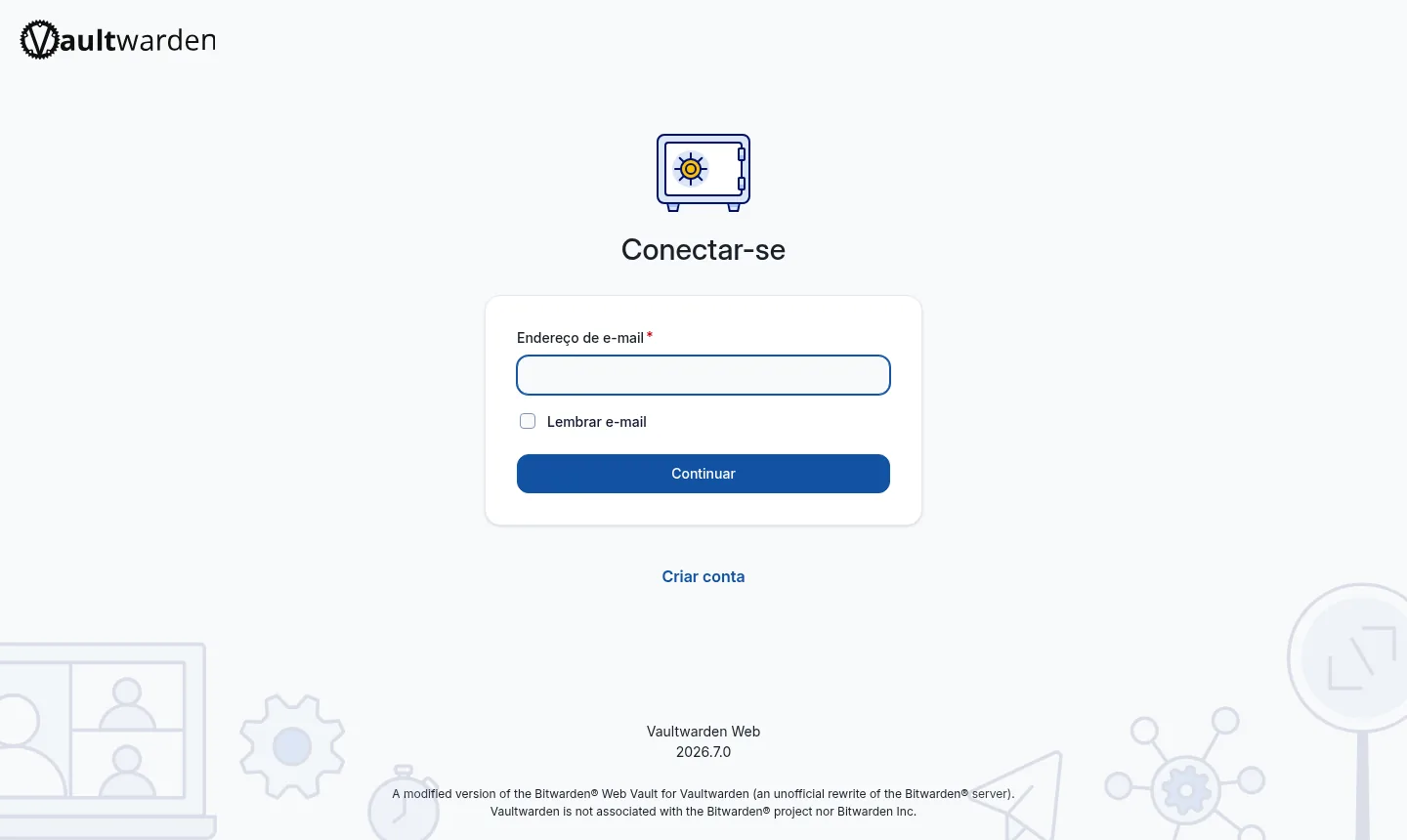
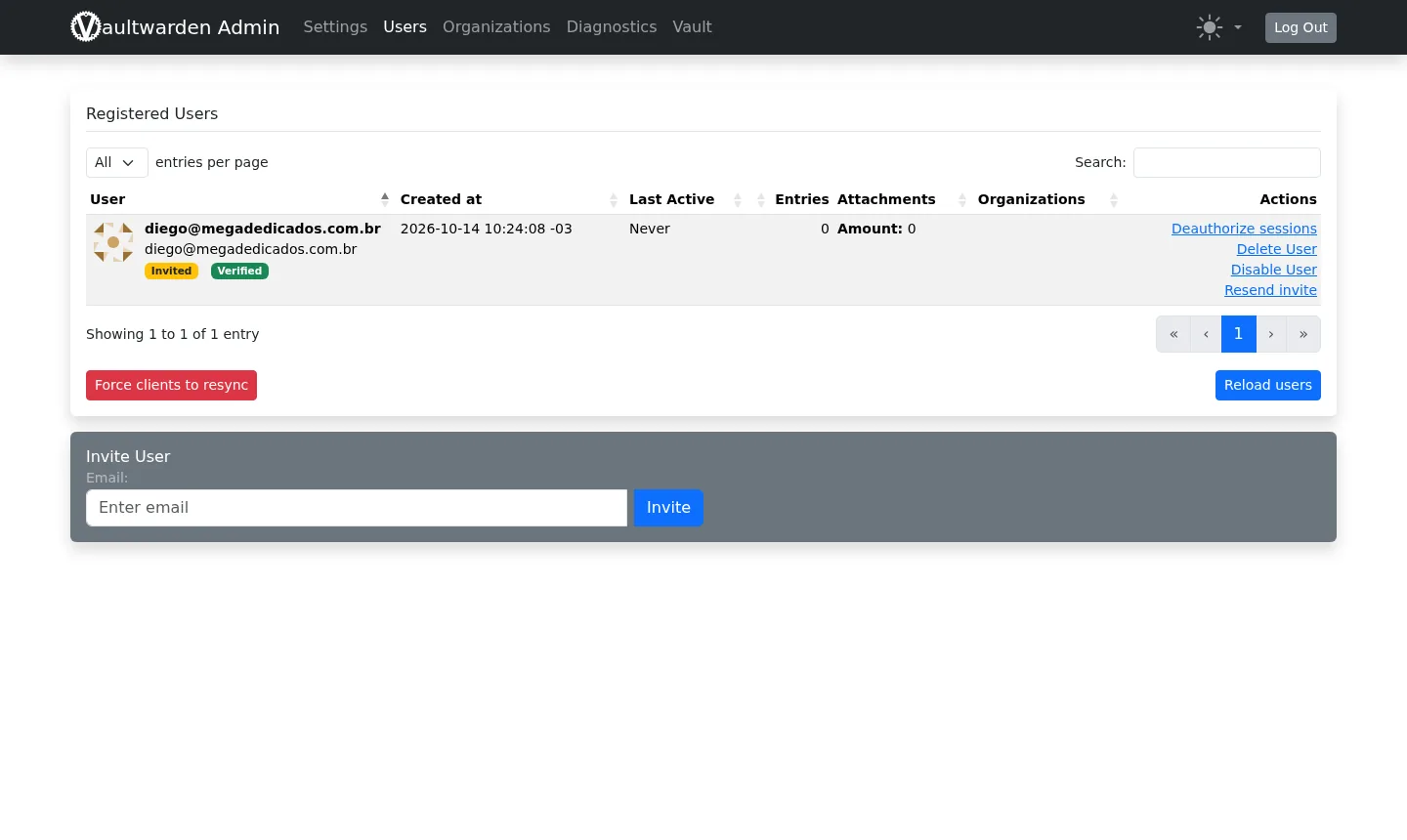
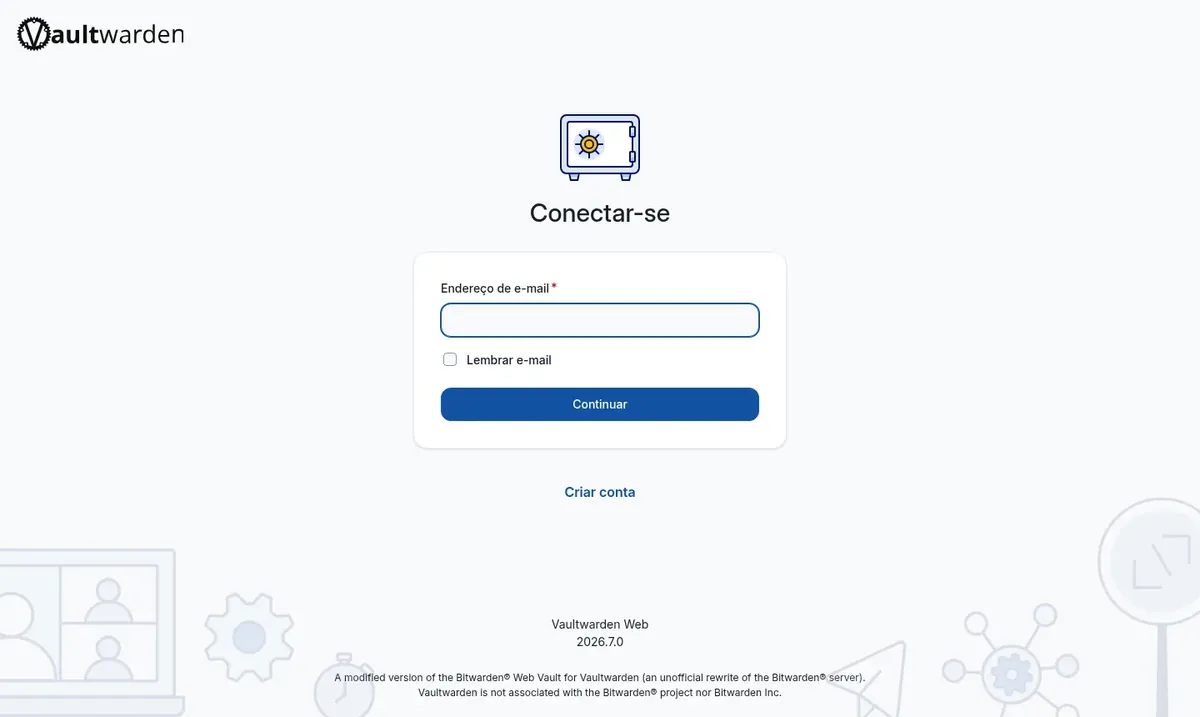
Images from a Mega Dedicados test installation, with no customer data.
A current system with Vaultwarden running in a container, restarting automatically after a reboot.
Your own address with a Let's Encrypt certificate, which the Bitwarden apps require.
User management protected by a key generated on your installation.
Browser, Android, iPhone, Windows, macOS and Linux. Just point them to your address.
Share text or files through a link with an expiration date.
The app runs on its own on the server, without needing a separate database service.
Select the Cloud VPS plan with Vaultwarden and pick Rio de Janeiro or São Paulo, Brazil. The price is the same in both locations.
Pay by Pix, card or boleto, on a monthly, semiannual or annual cycle. There is no lock-in and you have 7 days to request a refund.
After payment is confirmed, the server is created with Debian 13, Docker, Vaultwarden and HTTPS configured.
The vault address and login details arrive by email and WhatsApp. Just open the address and start using it.
In our tests, idle Vaultwarden uses less than 40 MB of memory. That leaves room to share the server with other apps.
| Plan | Best for |
|---|---|
| Start 1 vCore · 1 GB | 1 vCore, 1 GB RAM and 20 GB NVMe. Recommended for Vaultwarden on its own, for personal use or a small company. |
| Basic 2 vCore · 2 GB | 2 vCore, 2 GB RAM and 40 GB NVMe. For the password vault plus one or two light apps on the same server. |
| Plus 2 vCore · 4 GB | 2 vCore, 4 GB RAM and 80 GB NVMe. Suited to larger teams or several apps sharing the same VPS. |
| Pro 4 vCore · 6 GB | 4 vCore, 6 GB RAM and 120 GB NVMe. For concentrating many apps on a single server, as agencies do. |
A VPS with Vaultwarden starts at US$ 6.95 per month on the Start plan. Vaultwarden does not charge per user, and Mega has no lock-in, with 7 days for a refund.
The app runs with as little as 512 MB of free memory, and idle it uses less than 40 MB in our tests. The Start plan, with 1 GB, is the recommended one.
No. It is an independent open-source project that implements the Bitwarden server, with no affiliation to the Bitwarden company.
Yes. In the official apps, choose the self-hosted server option and enter the HTTPS address of your vault.
Not to get started. The server arrives with its own address and a Let's Encrypt certificate already configured, and the access details are sent by email and WhatsApp.
Log in to the server as root via SSH and update the Docker container whenever you want. Back up your data first and test the new version.
Yes. Each app gets its own address, as long as they all fit in the plan's memory. If you run out of room, you can move to a larger plan.
24/7 support in Portuguese, by WhatsApp, ticket and phone, covers everything related to the server. Using the app itself is documented by the Vaultwarden project.
Updated on October 19, 2026
Tell us what you want to run and for how many users; we will suggest the plan. The app arrives installed.


