
Basic
US$ 11.95/mo
- 2 vCore CPU
- 2 GB Memory
- NVME 40 GB Disk
- Unlimited Traffic
 Files and backup · Rio de Janeiro or São Paulo
Nextcloud stores, syncs and shares your files on a server you control, with no per-user fees. Here it comes preinstalled on a Cloud VPS, with HTTPS and an admin account ready, in a data center in Rio de Janeiro or São Paulo, Brazil.
Nextcloud runs with as little as 1024 MB of free memory, so the Start plan is enough. What matters most when choosing between plans is the NVMe space for your files and how many people use it at the same time.
Billed monthly in US dollars, with the app installed. Rio de Janeiro or São Paulo, same price. Plans start at the smallest size where the app runs well. Need more? Upgrade from the client area, without reinstalling.
With Rio de Janeiro selected, your VPS with Nextcloud runs in Mega's original data center, on our own network with a presence at the Rio internet exchange (IX.br) and redundant transit. It is the lowest latency for users in Rio, Espírito Santo and Minas Gerais, and our support team works in the same city as the server.
With São Paulo selected, your VPS with Nextcloud runs in our environment next to the busiest internet exchange in Latin America, on our own network with redundant transit. It is the shortest path to users across Brazil and South America and to banks, payment gateways and APIs hosted in São Paulo. Same price as Rio.
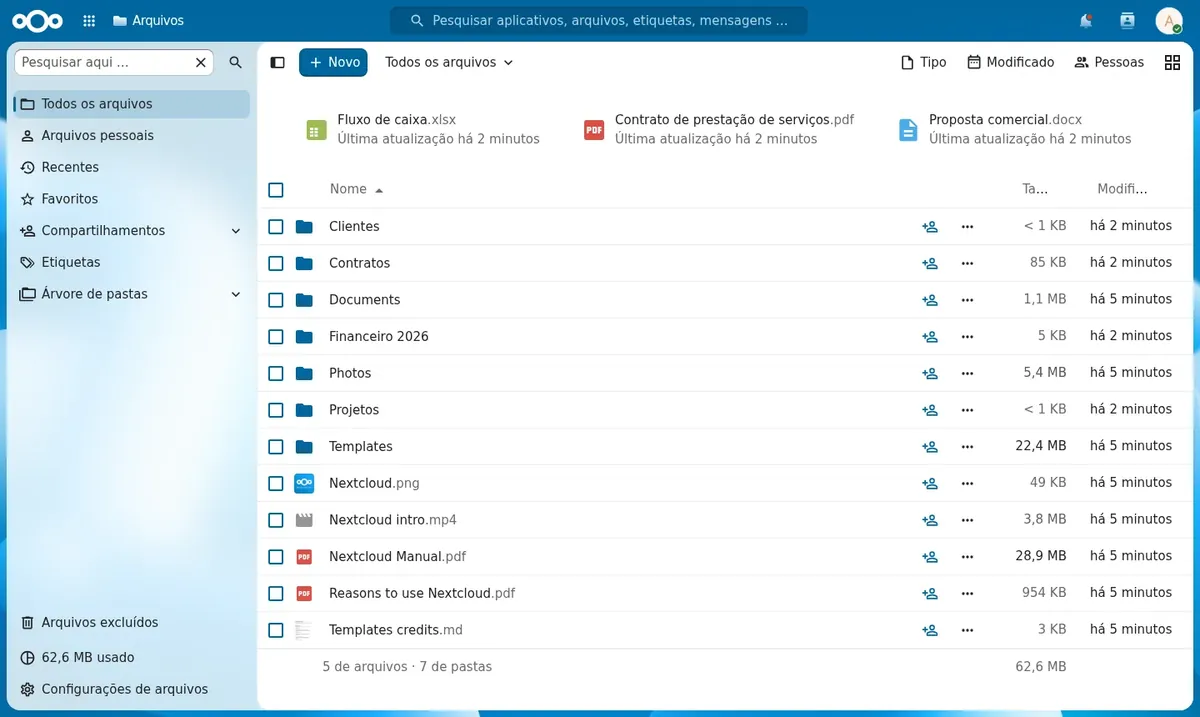
Nextcloud is open-source software that turns your server into a file hub. You can open everything in the browser, upload and organize documents, photos and videos, and use the desktop and mobile apps to keep folders identical across your devices.
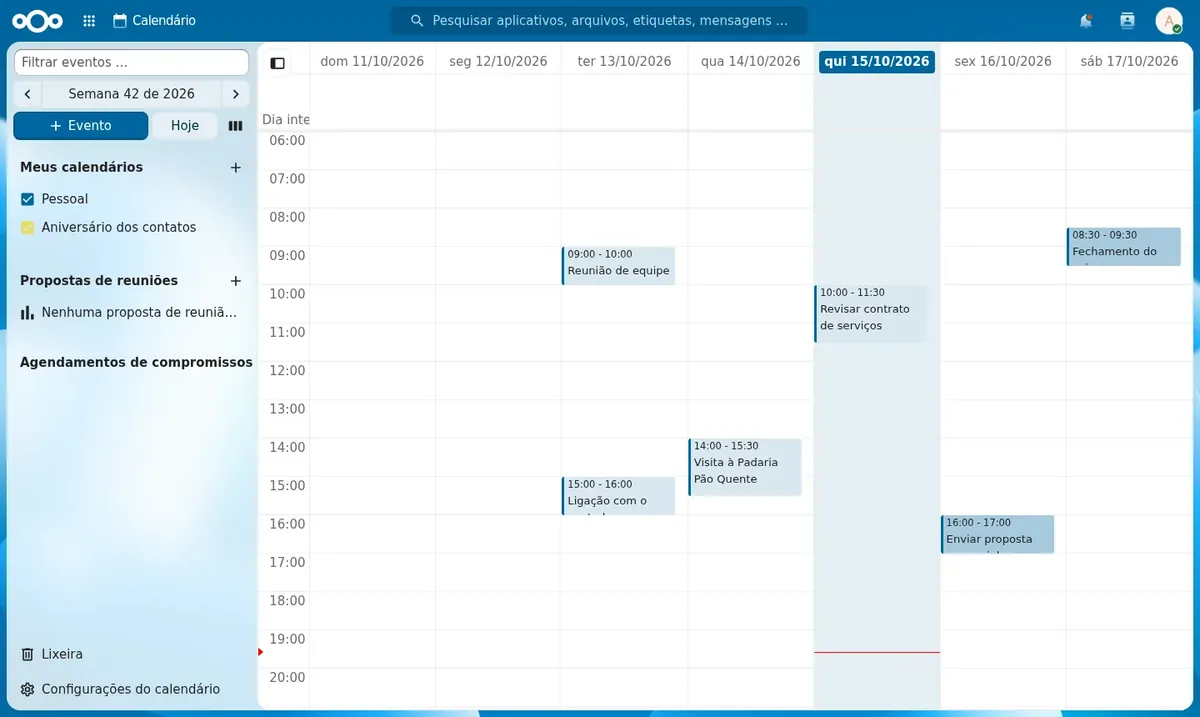
It also includes a calendar and contacts, which sync with your phone over the CalDAV and CardDAV protocols. You also get share links with a password and expiry date, a trash bin, file version history and a separate account for each team member.
On a Mega VPS, Nextcloud is deployed with PostgreSQL as the database, Redis as the cache and background jobs already scheduled. This is the setup the project's documentation recommends for everyday use.
Source: Administration manual in the official Nextcloud documentation
Your company files stay on your own VPS and you pay nothing per user.
The mobile app uploads your pictures to your server automatically.
Create a link that opens without a login, with an optional password and expiry date.
Each person has an account, folders are shared and the history shows who changed what.
Sync with your phone and computer without relying on third-party services.
Create an upload folder so clients and suppliers can send you files.
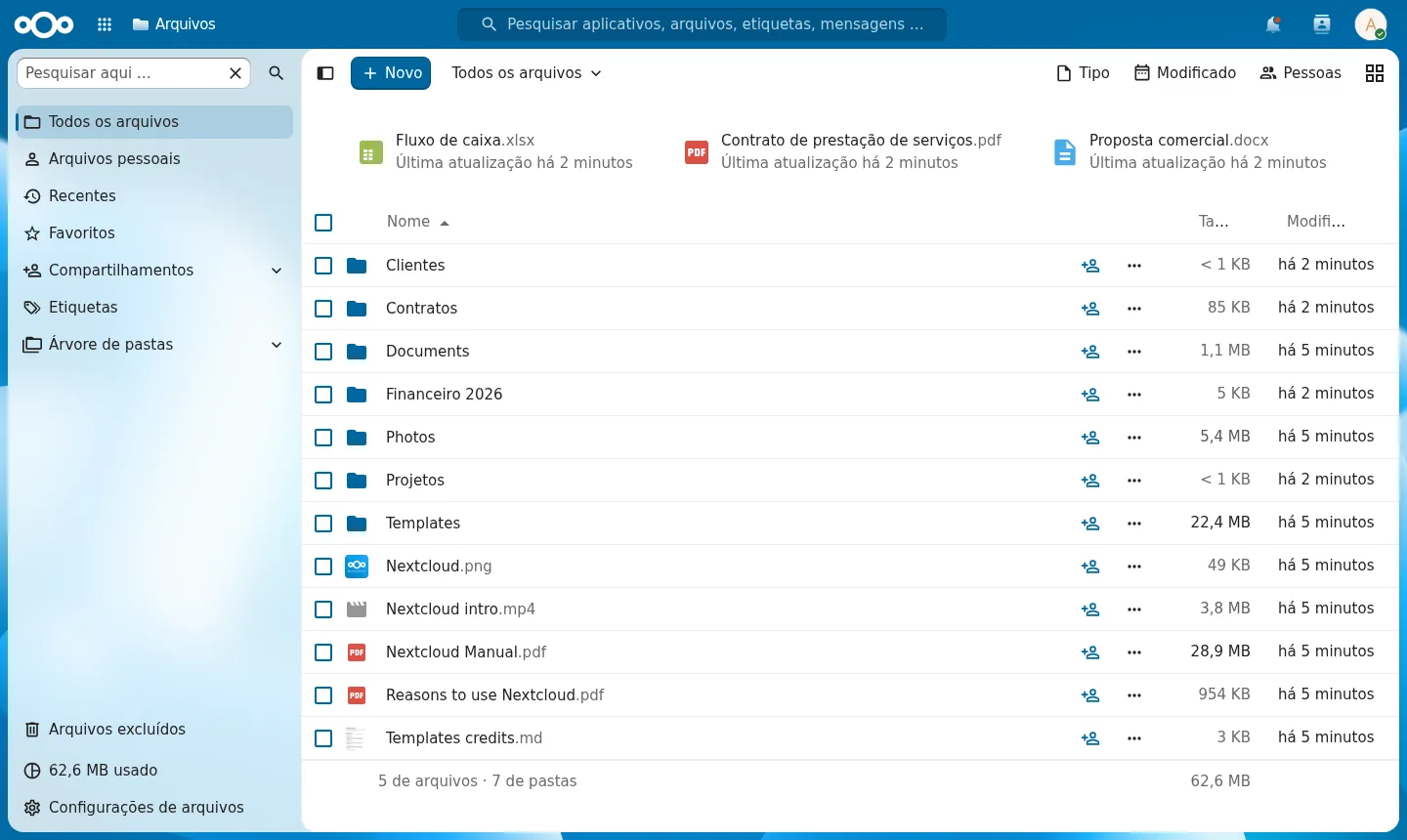
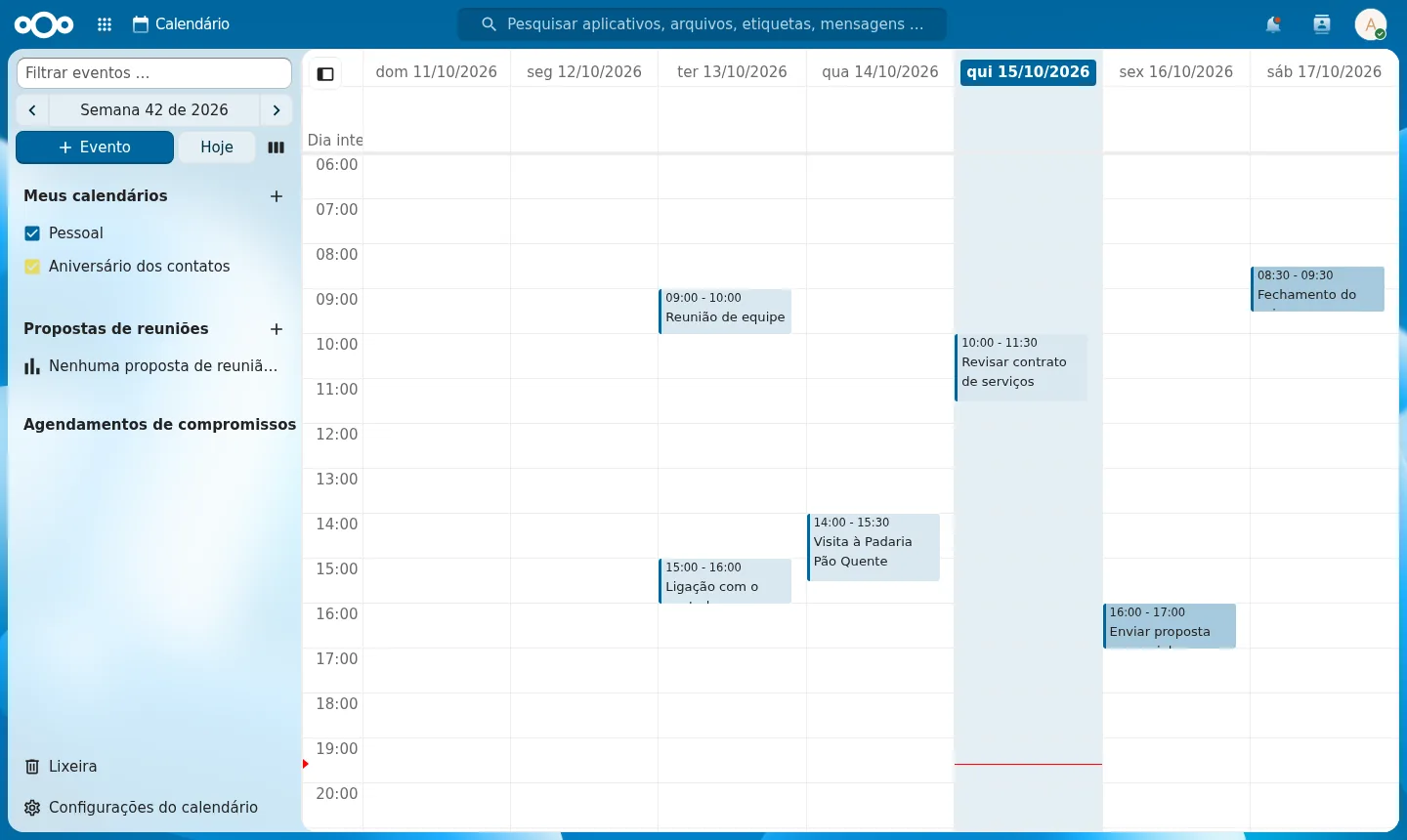
Images from a Mega Dedicados test installation, with fictional data and no customer information.
Clients for Windows, macOS, Linux, Android and iPhone.
With a password, expiry date and an option to allow file uploads.
Restore an older version or recover a deleted file.
Apps enabled and ready to connect over CalDAV and CardDAV.
HTTPS, lockout after repeated failed password attempts and two-factor authentication if you enable it.
Add-ons such as tasks, notes and forms, installed in a few clicks.
Select Start, Basic, Plus or Pro and the data center location, Rio de Janeiro or São Paulo, Brazil. The price is the same in both.
We accept Pix, card or boleto, with monthly, semiannual or annual billing and no lock-in. You have 7 days to request a refund.
The VPS is created and Nextcloud is installed with HTTPS automatically, in a few minutes.
The address, username and password arrive by email and WhatsApp. Just log in and start uploading files.
Nextcloud with its database and cache uses about 380 MB of memory, so any plan can run it. Choose based on the disk space your files will need; Plus is the recommended one.
| Plan | Best for |
|---|---|
| Basic 2 vCore · 2 GB | For trying Nextcloud or storing a few personal files, keeping in mind that 40 GB of NVMe fills up fast. |
| Plus 2 vCore · 4 GB | The recommended plan: it suits personal or family use with photos and documents, with 80 GB of NVMe. |
| Pro 4 vCore · 6 GB | For small teams or larger photo and video libraries, with 120 GB of NVMe and 4 vCore. |
| Turbo 4 vCore · 12 GB | For those who store many large files or share with several people and need 160 GB of NVMe. |
A VPS with Nextcloud starts at per month on the Start plan. The software is free and open source, and there are no per-user fees. You can pay by Pix, card or boleto, with no lock-in.
The system and Nextcloud take up about 7 GB of the disk. On Start, which has 20 GB of NVMe, about 13 GB are left for files. If you need more, choose Basic, Plus or Pro.
Yes. Install the official app for Android or iPhone and enter the server address, username and password. For calendar and contacts, use the same address in a CalDAV and CardDAV account on your device.
Only after you set up a mail server in Nextcloud's basic settings. Without it everything works normally, but Nextcloud will not send alerts or share notifications by email.
Access comes with HTTPS, lockout after repeated failed password attempts and inline DDoS protection on the network. In our tests, a wrong password was rejected and Nextcloud's own security check showed no warnings.
This is not installed by default. Text and Markdown files can be edited directly. For Office documents you need to add Nextcloud Office, which uses a lot of memory and runs better from the Plus plan up.
The delivered version is pinned, so no update changes the system without warning. You update when you want, through root access, preferably after testing. 24/7 support in Portuguese covers server issues, and Nextcloud usage is covered in the project's documentation.
Yes. Each app gets its own address, as long as their combined needs fit in the plan's memory. Since Nextcloud uses about 380 MB, larger plans leave more room for other services.
Updated on October 19, 2026
 VaultwardenCloud VPS with Vaultwarden installed: a Bitwarden-compatible password server, with HTTPS and root access.
 Stirling PDFStirling PDF is a PDF toolkit that runs in the browser but processes everything on your own server.
 DocumensoDocumenso is an open source e-signature platform, an alternative to DocuSign.
Tell us what you want to run and for how many users; we will suggest the plan. The app arrives installed.