Pro
US$ 21.95/mo
- 4 vCore CPU
- 6 GB Memory
- NVME 120 GB Disk
- Unlimited Traffic
 AI and agents · Rio de Janeiro or São Paulo
Run your own AI on your VPS: Ollama runs the Qwen 3.5 model and Open WebUI gives you a browser chat with login and HTTPS. No API key, no per-message fees, and your conversations stay on your server.
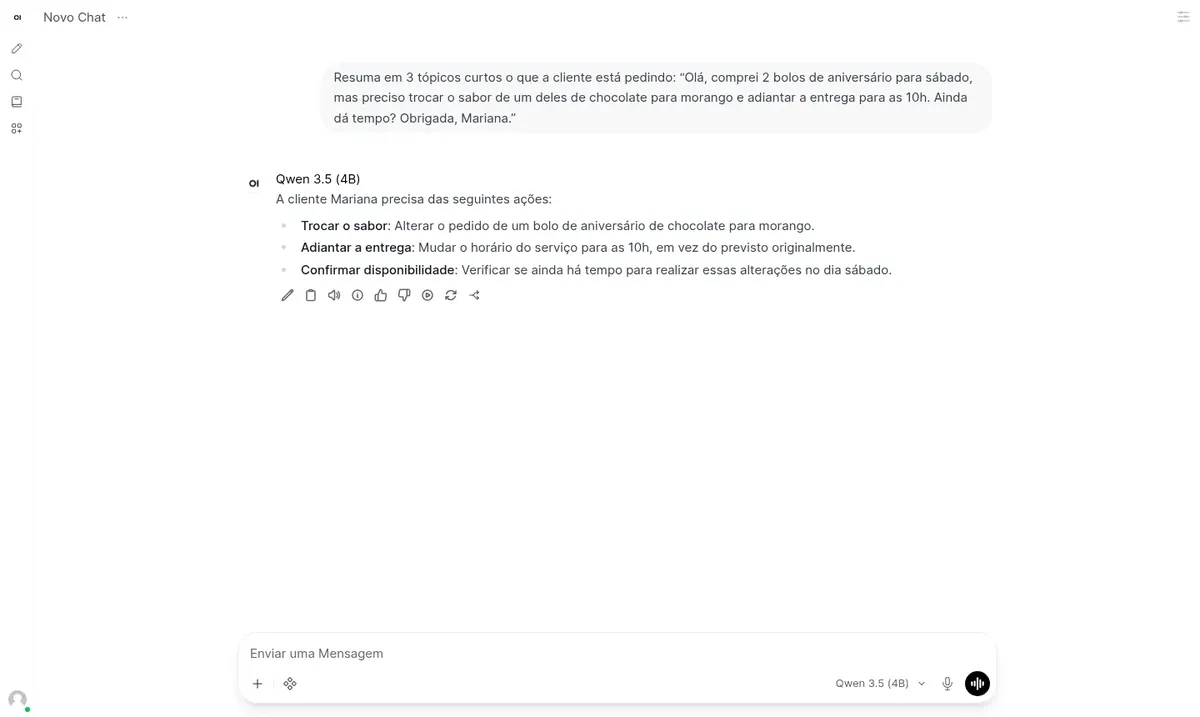
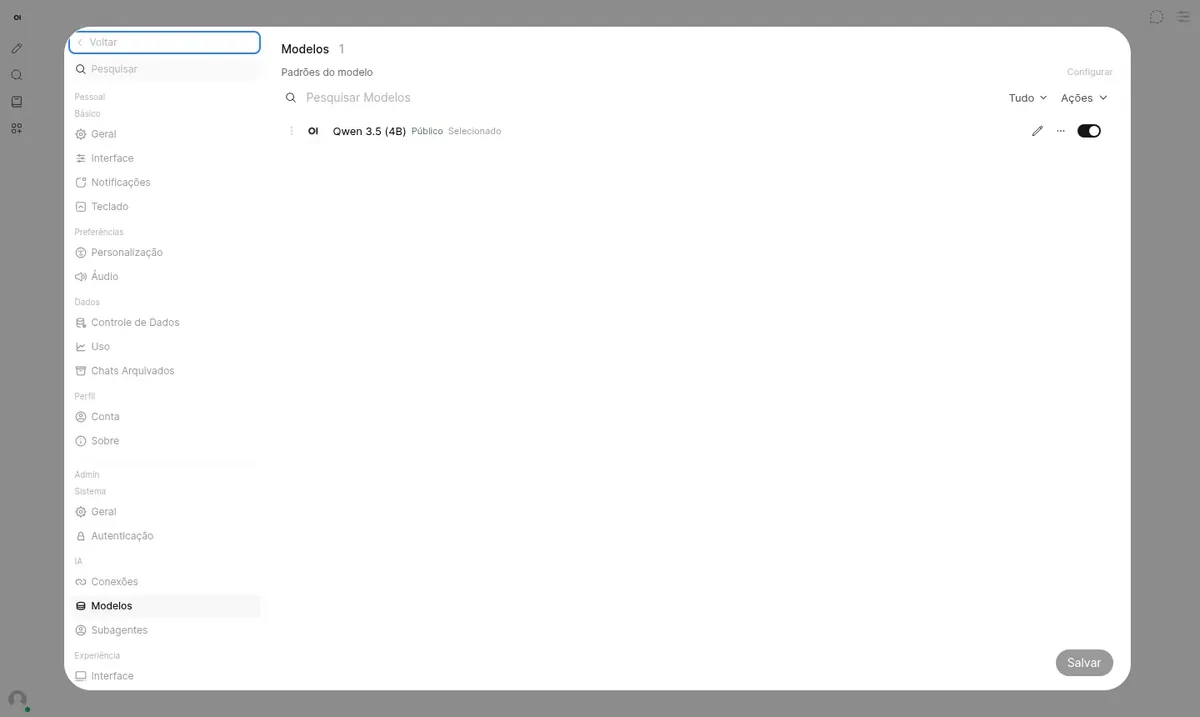
Language models use a lot of memory and CPU. The setup with Qwen 3.5 (4B) needs at least 5120 MB of free memory. We recommend the Plus plan to get started, and Pro gives you more headroom.
Billed monthly in US dollars, with the app installed. Rio de Janeiro or São Paulo, same price. Plans start at the smallest size where the app runs well. Need more? Upgrade from the client area, without reinstalling.
With Rio de Janeiro selected, your VPS with Ollama e Open WebUI runs in Mega's original data center, on our own network with a presence at the Rio internet exchange (IX.br) and redundant transit. It is the lowest latency for users in Rio, Espírito Santo and Minas Gerais, and our support team works in the same city as the server.
With São Paulo selected, your VPS with Ollama e Open WebUI runs in our environment next to the busiest internet exchange in Latin America, on our own network with redundant transit. It is the shortest path to users across Brazil and South America and to banks, payment gateways and APIs hosted in São Paulo. Same price as Rio.
Ollama is open-source software that runs language models (LLMs) on your own server. It downloads the model, keeps it in memory and answers through an API, without relying on OpenAI, Google or any other external service.
Open WebUI is the chat interface that sits in front of Ollama. It stores conversation history, supports multiple users, lets you upload documents for the AI to read and switches models in a few clicks.
This VPS has no GPU, so all processing runs on the CPU. That is why the model is a small one, Qwen 3.5 with 4 billion parameters. It handles summarizing, rewriting, classifying and drafting well, but it gets facts wrong more often than the large cloud models.
Source: Official Ollama GitHub repository, accessed October 2026
Paste an email, meeting minutes or a report and ask for the key points as a list.
Generate suggested replies to customers and adjust the tone as needed.
Work with contracts and internal documents without sending them to third parties.
Tools like n8n can query the Ollama API as often as you need.
Sort requests by topic or pull specific fields out of a text.
Download other models from the Ollama library and see which one works best for your case.
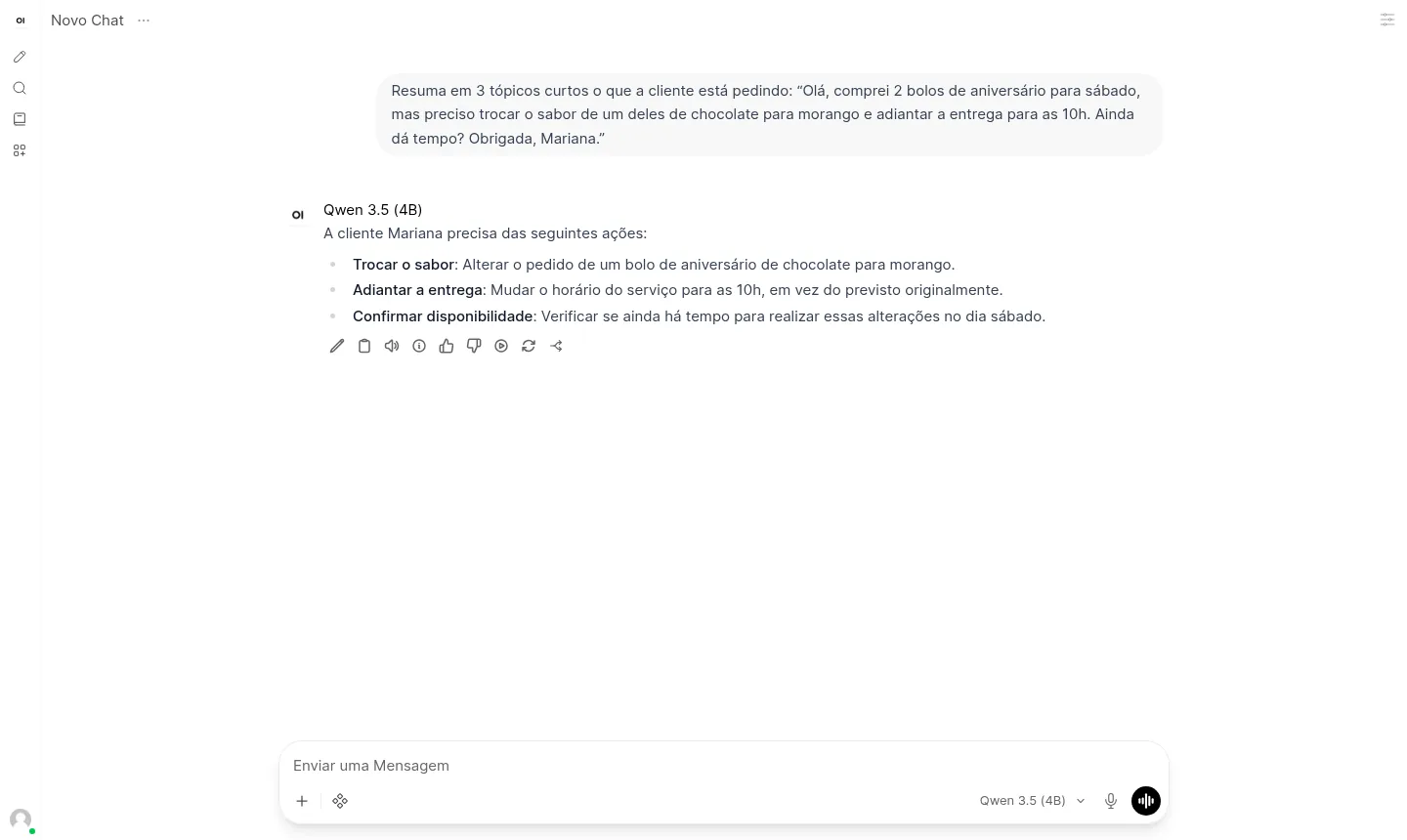
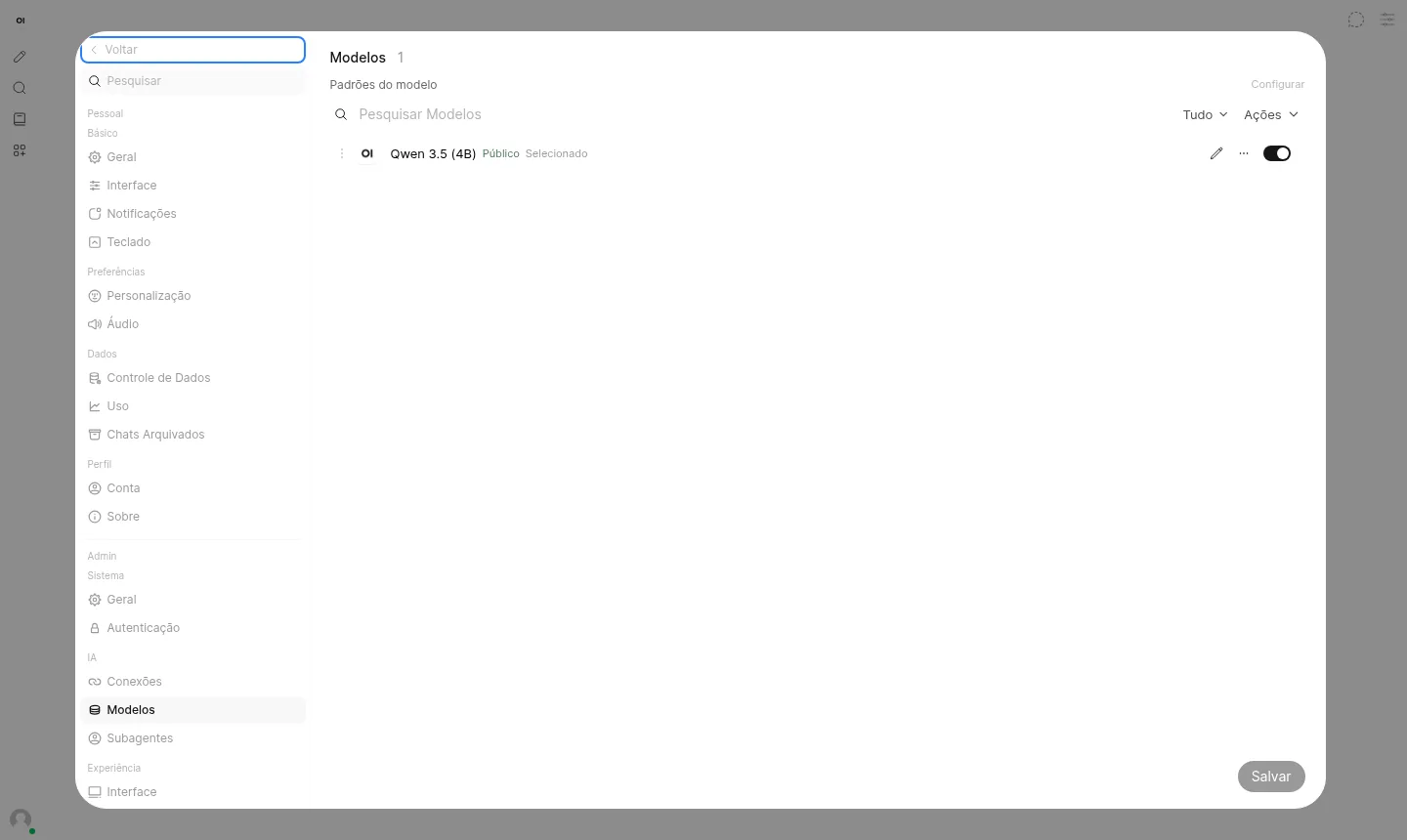
Screenshots taken on a Mega Dedicados test installation, with fictional data and no customer information.
Pinned version, with the model already loaded in memory so replies don't wait on a model load.
Open model that handles English and Portuguese well, downloaded during installation.
Browser chat with login and HTTPS on your own address.
Reasoning mode is turned off so the CPU can reply faster.
Automatic titles and suggestions are disabled so they don't compete with the chat for CPU.
Ollama is not exposed to the internet; only Open WebUI talks to it.
Select Plus or Pro with the Ollama and Open WebUI app and pick whether the VPS is in Rio de Janeiro or São Paulo, Brazil.
Pay with Pix, card or boleto, on a monthly, semiannual or annual cycle. Installation starts as soon as payment is confirmed.
The system creates the VPS, installs Ollama and Open WebUI and downloads the model, about 13 GB in total. In our tests it took 5 to 15 minutes.
Address, login and password arrive by email and WhatsApp. Just open the address in your browser and start chatting.
Start with Turbo, the recommended plan, which gives you headroom over the 5120 MB of free memory required. Pro works for testing, and Max or Ultra suit more users or larger models.
| Plan | Best for |
|---|---|
| Pro 4 vCore · 6 GB | Good for testing Qwen 3.5 (4B) on your own with a few conversations, running close to the required memory limit. |
| Turbo 4 vCore · 12 GB | The recommended plan: double the memory of Pro, leaves room for the system and handles daily personal use well. |
| Max 6 vCore · 18 GB | For those sharing the chat with family or a small team who want more CPU and memory headroom. |
| Ultra 8 vCore · 24 GB | For heavy use with several people at once, or for testing larger models with plenty of spare resources. |
A VPS with both apps installed starts at per month on the Plus plan, and Pro costs US$ 21.95. There are no per-message fees and no API key is needed.
No. A model running on a server without a GPU is much smaller than the cloud ones. It works well for summarizing, drafting and classifying text, but it can make up information, so check anything critical.
In a test with 4 vCPUs and 6 GB, text started appearing in about 1 second and came out at around 7 tokens per second, slightly above reading speed. A paragraph usually takes under a minute.
Yes. Download them from the Open WebUI admin panel or over SSH with docker exec ollama ollama pull followed by the model name. Larger models need more memory and answer more slowly.
No. The model runs inside your VPS and no message is sent to OpenAI, Google or any other service. Your data stays in the data center you chose.
Yes, in the model's advanced parameters. It is off by default because, without a GPU, reasoning makes each answer much slower.
The installed version is pinned so that no update changes behavior without warning. You update whenever you want, through root access, after testing.
Use the reinstall option in the VPS panel, in the client area, which erases the server's data. If you want the app installed again, 24/7 support in Portuguese can help by WhatsApp, ticket or phone.
Updated on October 19, 2026
Tell us what you want to run and for how many users; we will suggest the plan. The app arrives installed.