Basic
US$ 11.95/mo
- 2 vCore CPU
- 2 GB Memory
- NVME 40 GB Disk
- Unlimited Traffic
 AI and agents · Rio de Janeiro or São Paulo
Langflow is a visual editor for building AI agents, chatbots and RAG flows, and every flow can be called through an API. At Mega Dedicados it comes installed on a Cloud VPS in Rio de Janeiro or São Paulo, Brazil, with HTTPS and an admin account already created.
Langflow needs at least 1536 MB of free memory, and the answers in your flows come from the AI model of the provider you connect. The recommended plan is Basic; Plus and Pro leave more room for documents and other apps.
Billed monthly in US dollars, with the app installed. Rio de Janeiro or São Paulo, same price. Plans start at the smallest size where the app runs well. Need more? Upgrade from the client area, without reinstalling.
With Rio de Janeiro selected, your VPS with Langflow runs in Mega's original data center, on our own network with a presence at the Rio internet exchange (IX.br) and redundant transit. It is the lowest latency for users in Rio, Espírito Santo and Minas Gerais, and our support team works in the same city as the server.
With São Paulo selected, your VPS with Langflow runs in our environment next to the busiest internet exchange in Latin America, on our own network with redundant transit. It is the shortest path to users across Brazil and South America and to banks, payment gateways and APIs hosted in São Paulo. Same price as Rio.
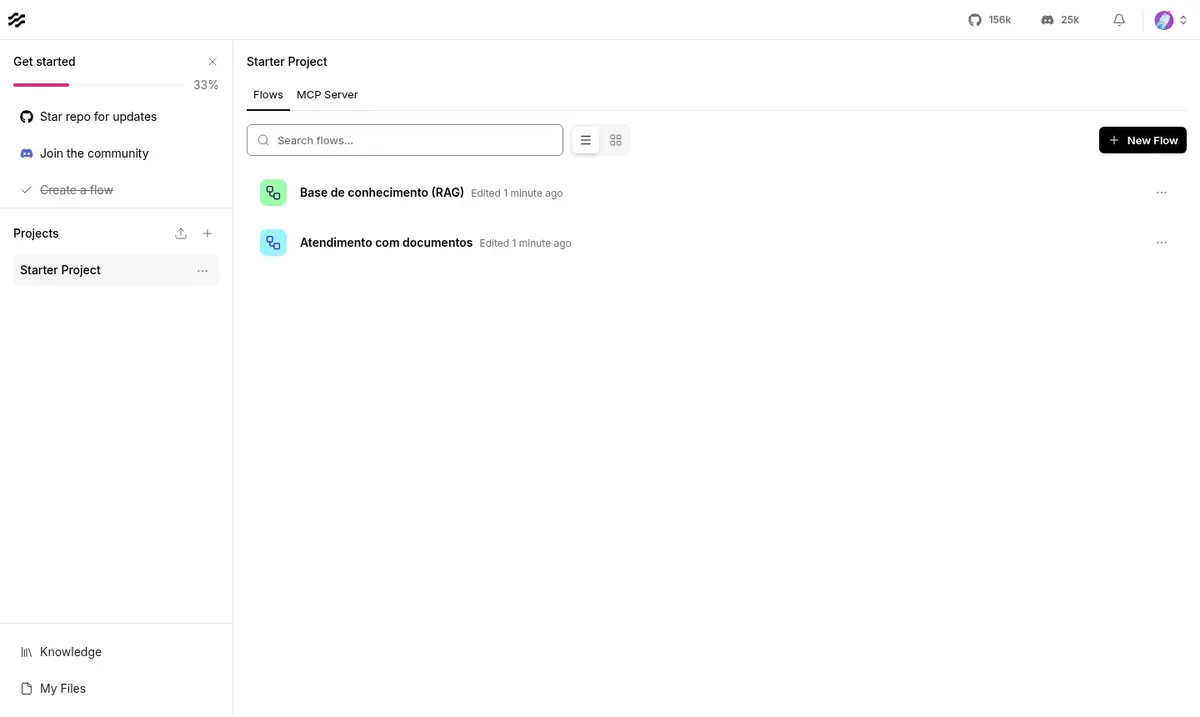
Langflow is an open-source project for building AI applications on a drag-and-drop canvas. Each block represents a piece of the flow, such as chat input, language model, prompt, tool, text splitter or vector store.
By connecting these blocks you can create an agent that uses tools, a chatbot that queries your own documents (RAG) or a sequence of AI steps. You can test everything in the playground while you build, and every published flow gets an API endpoint that your website, app or automation can call.
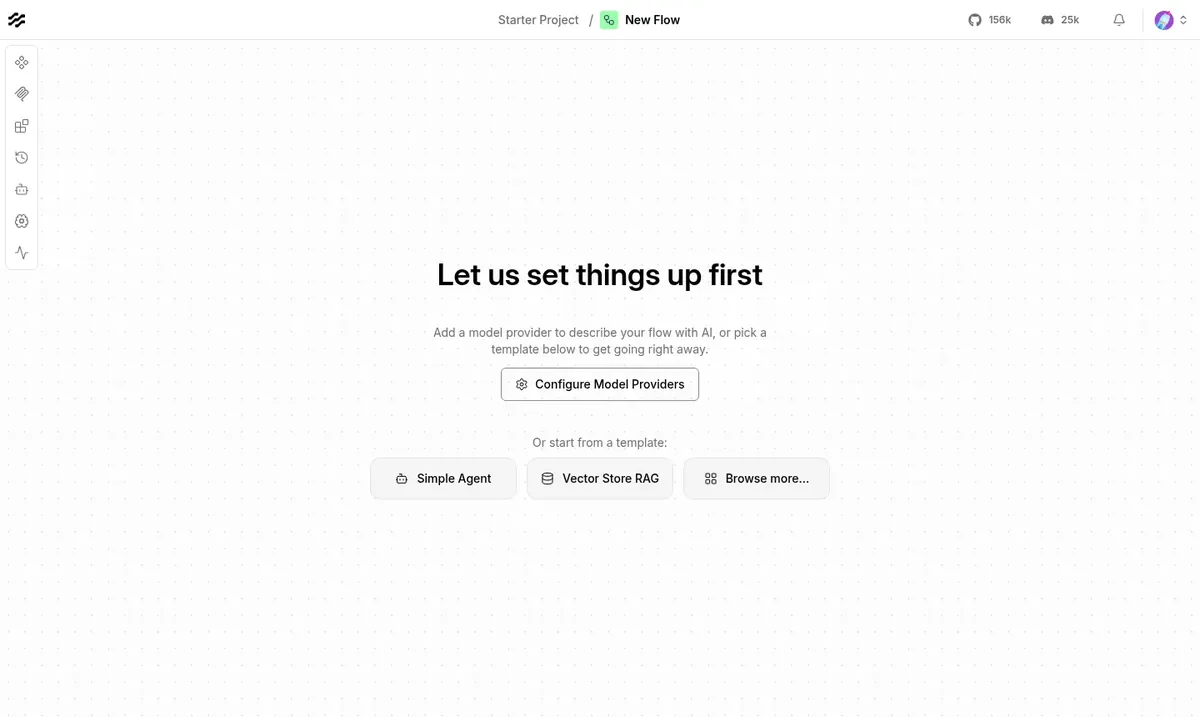
The answering capacity comes from the AI provider you connect to Langflow, such as OpenAI. In the Mega installation, login is mandatory, login attempts are limited to 5 per minute and any new sign-up stays pending until the administrator approves it.
Source: Official Langflow repository on GitHub, consulted in October 2026
A RAG flow that answers questions from manuals, internal policies or product catalogs.
The agent searches the web, queries an API or runs a calculation before giving its answer.
Your store, app or automation sends a request to the flow endpoint and receives the result.
Validate an AI concept in the playground before spending time coding.
Install Qdrant on the same VPS and use it to store embeddings, if memory allows.
Publish your projects as an MCP server so other agents can use them.
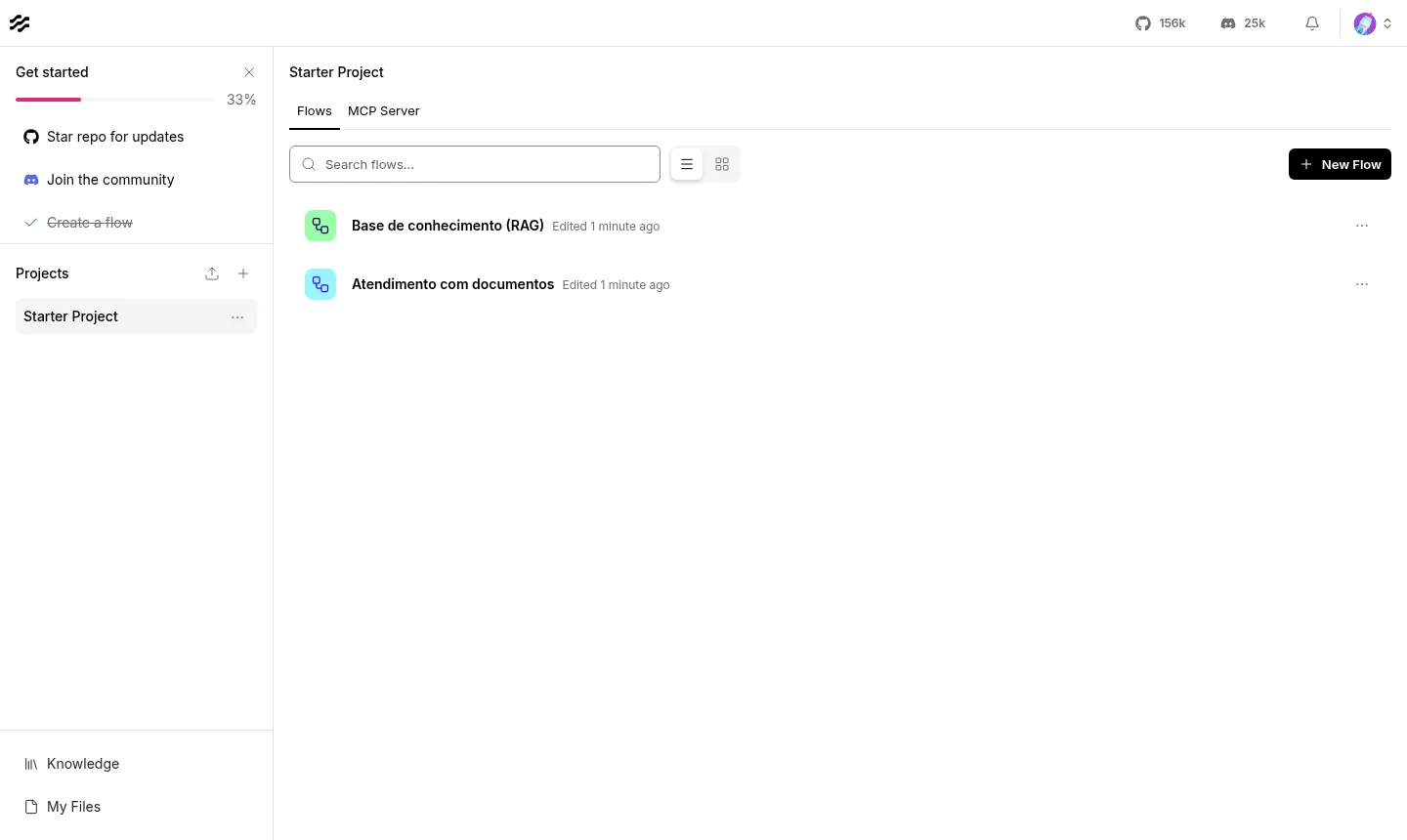
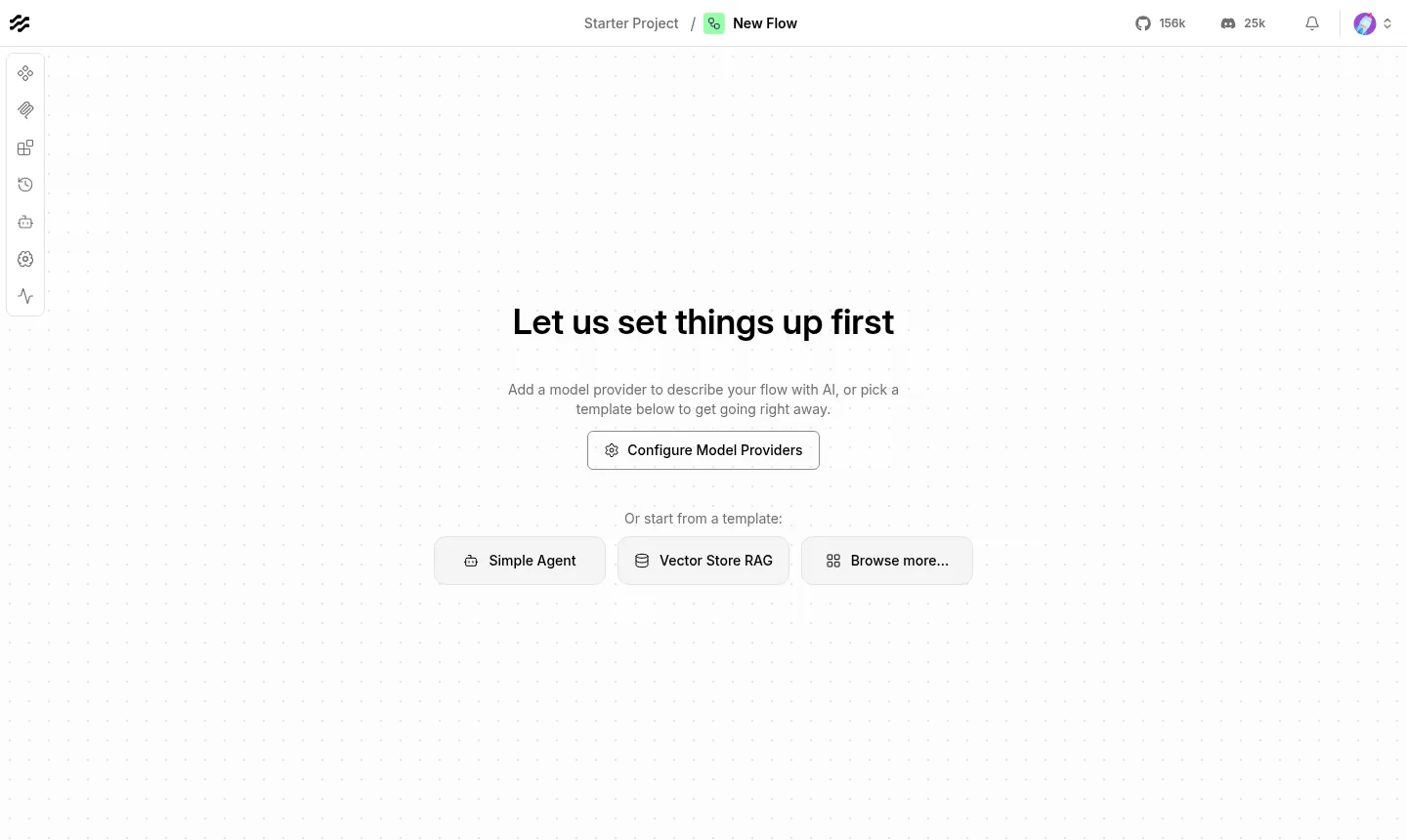
Images captured on a Mega Dedicados test installation, with no customer data.
No one opens the editor without authenticating. The administrator is already created at delivery.
Anyone who requests an account waits until you approve it.
Up to 5 login attempts per minute are accepted, which hinders brute-force attacks.
Your own address already responds with a Let's Encrypt certificate.
The Docker container starts on its own when the server reboots.
The installation uses Langflow 1.12.6 and only changes when you decide to update.
Select Basic, Plus or Pro, the location (Rio de Janeiro or São Paulo, Brazil) and the billing cycle: monthly, semiannual or annual.
We accept Pix, card or boleto. There is no lock-in and you have 7 days to request a refund.
The VPS is created and Langflow is installed with HTTPS, with no manual steps on your side.
Address, username and password arrive by email and WhatsApp. Just log in, connect your AI provider and create your first flow.
Idle Langflow uses about 1.2 GB and fits from 1536 MB of free memory, so Basic is the recommended plan to start. Move up to Plus, Pro or Turbo if you will work with large documents or several simultaneous users.
| Plan | Best for |
|---|---|
| Basic 2 vCore · 2 GB | Recommended plan: handles Langflow with one person building agents and flows, tests and light API calls. |
| Plus 2 vCore · 4 GB | For chatbots in production with more memory headroom, larger flows and a few simultaneous users. |
| Pro 4 vCore · 6 GB | For RAG flows with large documents and small teams editing and calling the API at the same time. |
| Turbo 4 vCore · 12 GB | For heavy use: many simultaneous users, several heavy RAG flows and the most memory headroom in the lineup. |
Monthly prices are for Start, US$ 11.95 for Basic, US$ 16.95 for Plus and US$ 21.95 for Pro. AI usage is billed separately by the provider you connect, such as OpenAI.
Langflow needs 1536 MB of free memory, so Start, with 1 GB, falls short. Basic, with 2 GB, is the recommended plan to start.
Yes. Langflow builds and runs the flow, but the answers come from the model of the provider you choose. The key can be stored in global variables or set directly in the model component.
They can request one, but they cannot get in. Every new sign-up stays pending until the administrator approves it, and login allows at most 5 attempts per minute.
Yes. Langflow has its own Qdrant component, and both can run on the same VPS, each on its own address, as long as there is free memory. The Plus plan was designed for this combination.
You decide. The delivered version is 1.12.6 and it does not change on its own, so nothing breaks by surprise. When you want to update, do it over SSH with root access, preferably after testing.
Use the reinstall option in the VPS panel, in the client area. It rebuilds the system, and you can also change the password and open the console from the same panel.
Support is available 24 hours a day, every day, by WhatsApp, ticket and phone, for everything involving the server. Using Langflow itself follows the project's documentation. There is no lock-in, and you have 7 days to request a refund.
Updated on October 19, 2026
Tell us what you want to run and for how many users; we will suggest the plan. The app arrives installed.