
Basic
US$ 11.95/mo
- 2 vCore CPU
- 2 GB Memory
- NVME 40 GB Disk
- Unlimited Traffic
 Websites and content · Rio de Janeiro or São Paulo
Get your own Cloud VPS with WordPress already installed, a MariaDB database, an HTTPS address and an administrator account ready. You pick Rio de Janeiro or São Paulo, Brazil, log in to the dashboard and start publishing, without sharing a server with other sites.
WordPress is installed on the Start, Basic, Plus and Pro plans, all with 1 Gbps unmetered traffic, IPv4 and IPv6, NVMe disk and inline DDoS protection. More vCores and memory allow more simultaneous visitors, heavy plugins and a WooCommerce store.
Billed monthly in US dollars, with the app installed. Rio de Janeiro or São Paulo, same price. Plans start at the smallest size where the app runs well. Need more? Upgrade from the client area, without reinstalling.
With Rio de Janeiro selected, your VPS with WordPress runs in Mega's original data center, on our own network with a presence at the Rio internet exchange (IX.br) and redundant transit. It is the lowest latency for users in Rio, Espírito Santo and Minas Gerais, and our support team works in the same city as the server.
With São Paulo selected, your VPS with WordPress runs in our environment next to the busiest internet exchange in Latin America, on our own network with redundant transit. It is the shortest path to users across Brazil and South America and to banks, payment gateways and APIs hosted in São Paulo. Same price as Rio.
WordPress is an open-source content management system licensed under the GPL. Pages and posts are written in the block editor, the look comes from a theme, and extra features such as forms, stores, SEO and caching are added with plugins.
According to W3Techs, in October 2026 it ran on 40% of all websites and on 58.5% of those that use a content management system, more than all its competitors combined. In practice, that means plenty of themes, plugins and professionals who already know the tool.
On a VPS, your site runs on a server that is yours alone. Performance does not fluctuate because of neighbors, and with root access you can tune PHP, the database and caching as needed.
Source: W3Techs content management system usage survey, accessed in October 2026
Company, services, team and contact pages that your own staff can edit without coding.
Posts organized by category, with internal search and a solid base for ranking on Google.
With WooCommerce, catalog, cart, shipping and payments running on your own server.
Landing pages built with the block editor or visual builders such as Elementor.
Restricted content, student sign-up and lessons, using plugins made for that.
Agencies can keep each client's site on a separate VPS, without mixing environments.
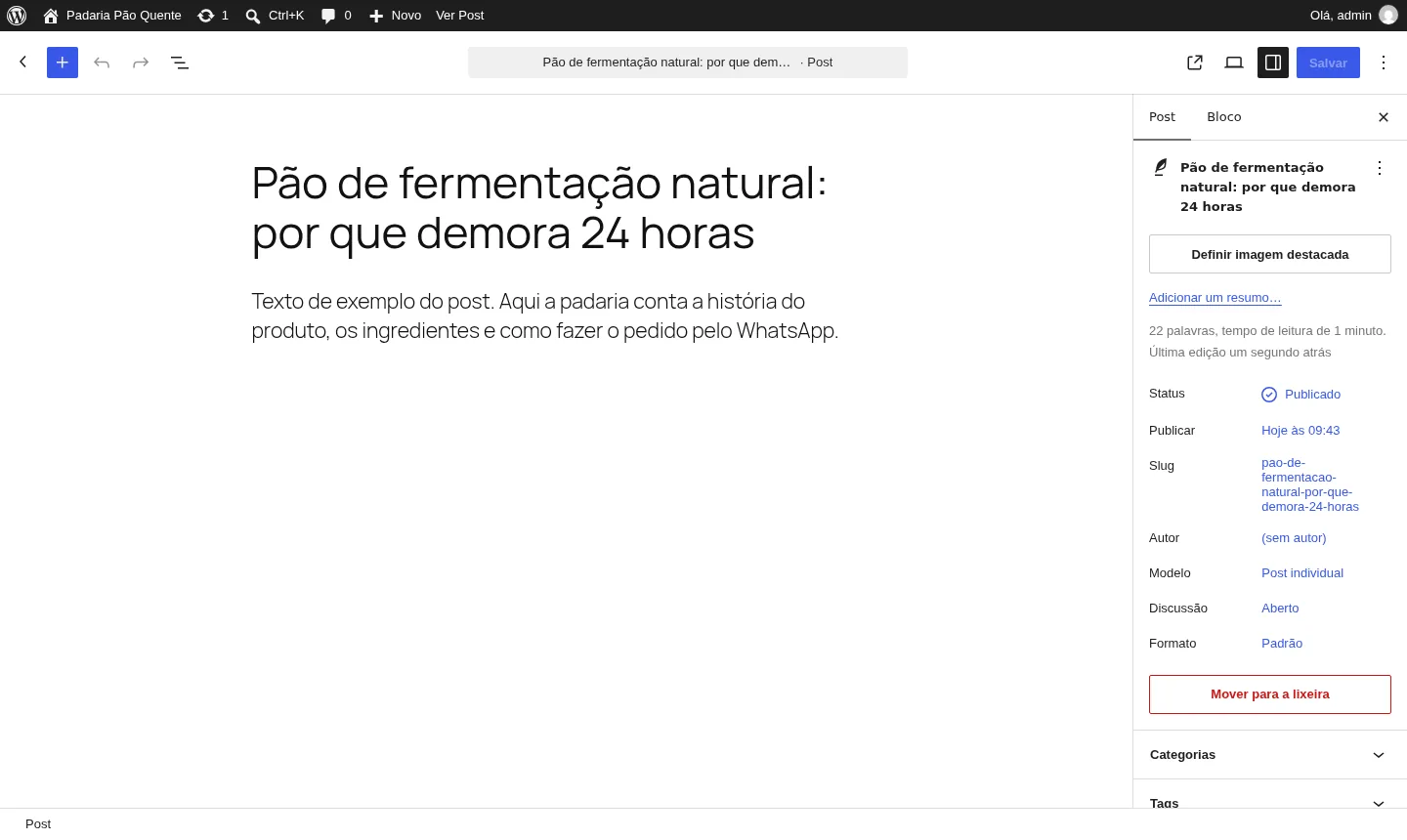
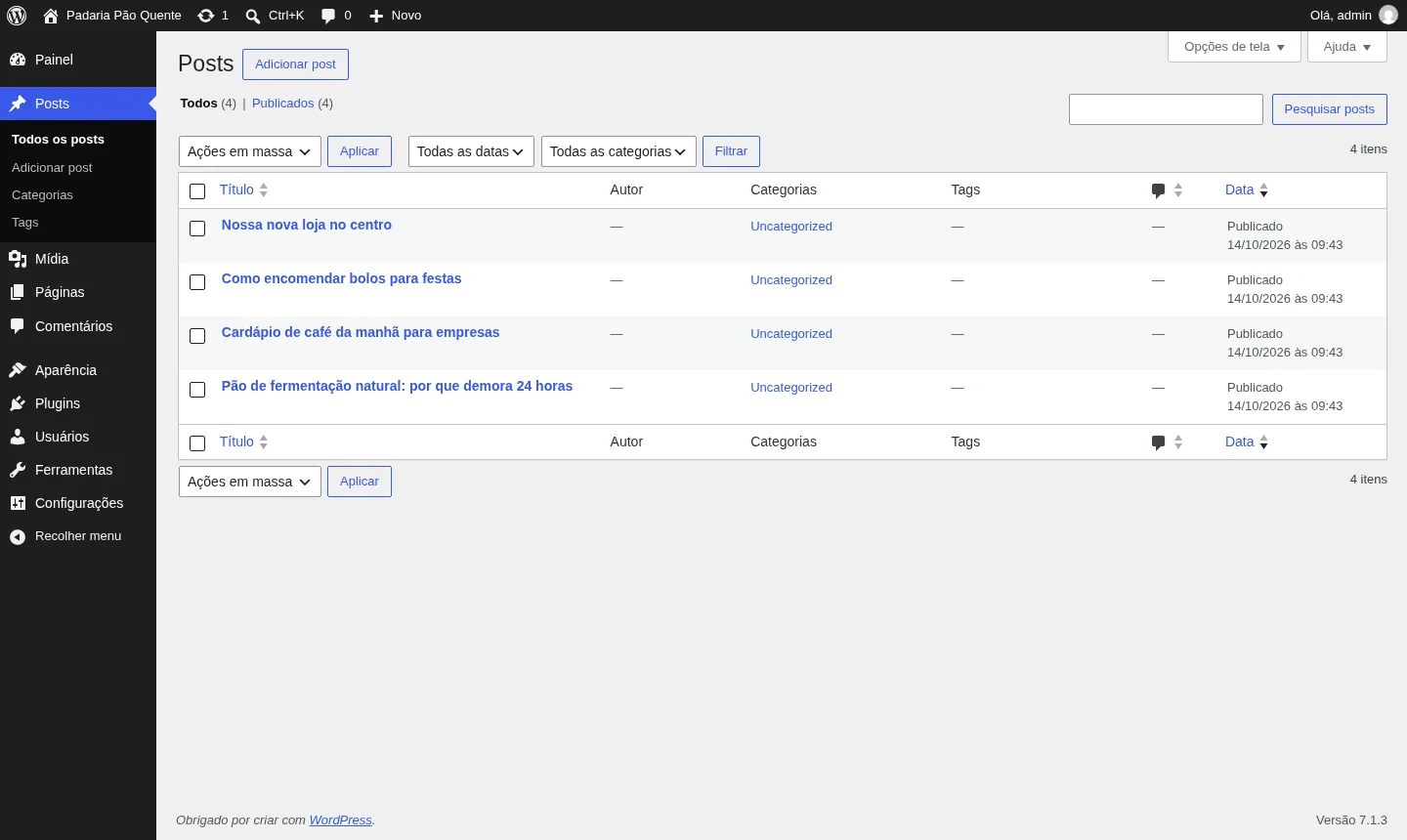
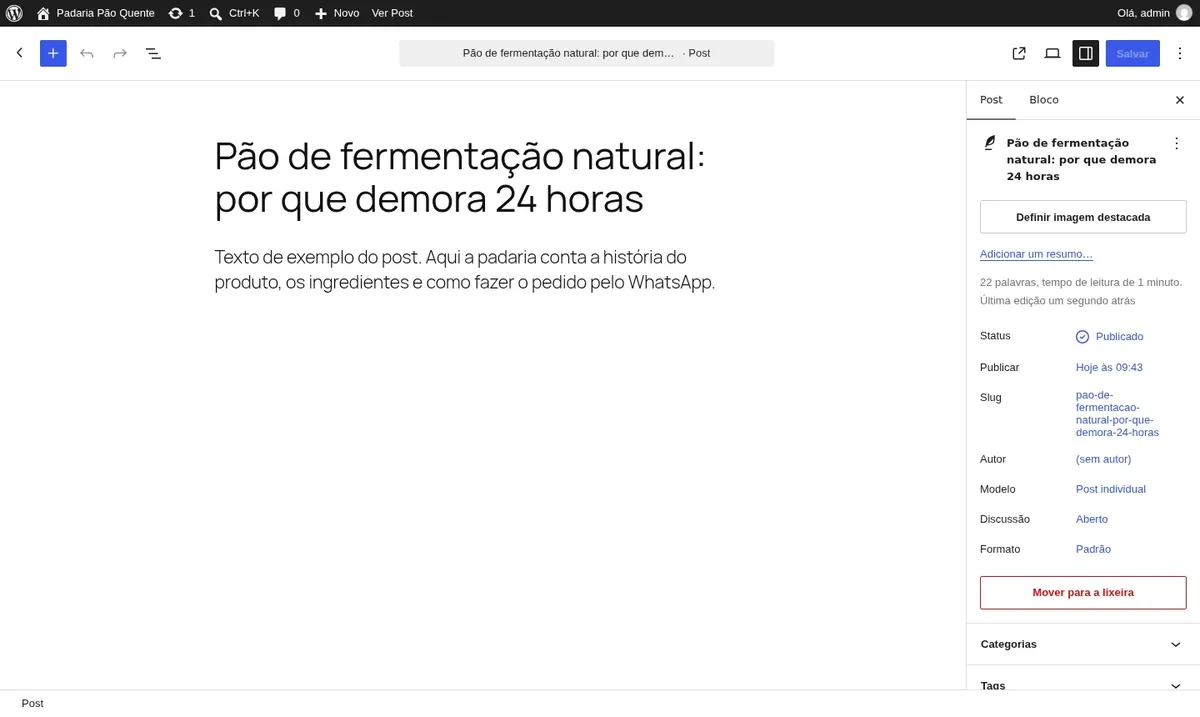
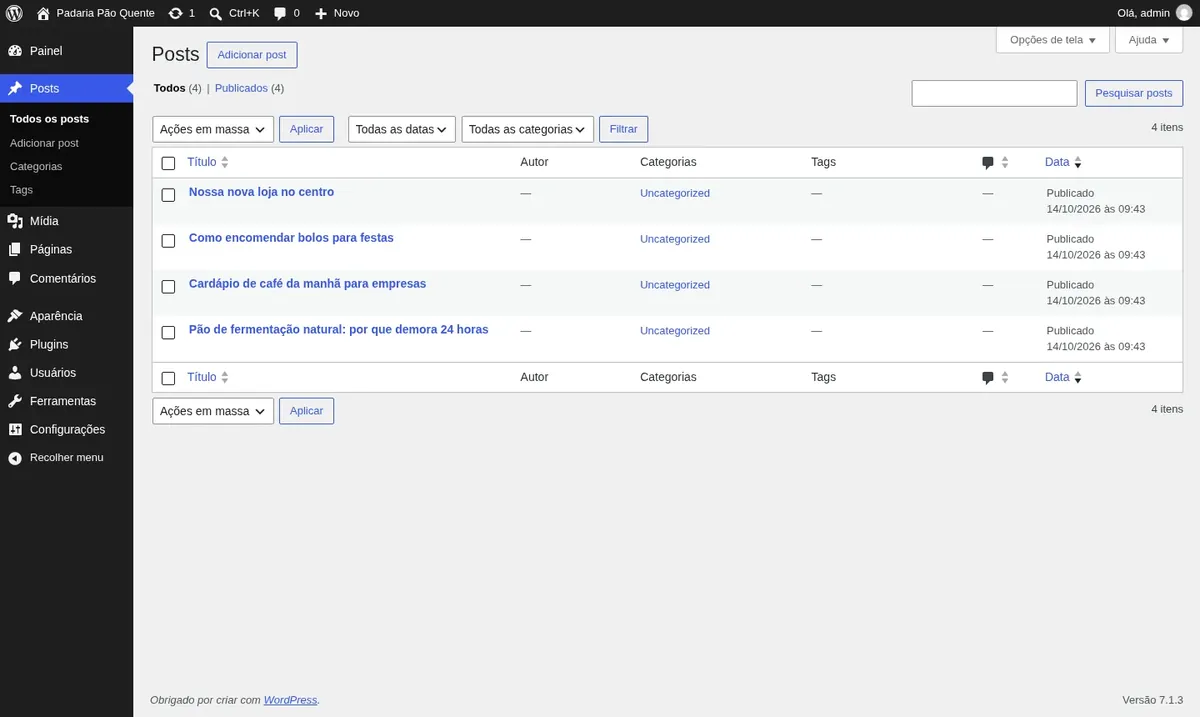
The screenshots come from a Mega Dedicados test installation, with a sample site and no customer data.
Installed in Brazilian Portuguese, with editor, menus and messages translated. You can switch the language in Settings.
Publishing dates and times already follow Brasília time. You can change it in Settings.
Readable URLs for pages and posts, with no manual setup.
Its own database, on an internal network with no access from the internet.
You receive the username and password and go straight to the dashboard.
Let's Encrypt certificate issued at installation, for your site's address.
Select the plan and the data center, Rio de Janeiro or São Paulo, Brazil, at the same price in both. WordPress is already selected as the app.
Pay by Pix, card or boleto, on a monthly, semiannual or annual cycle, with no lock-in. Installation starts after payment is confirmed.
We create the VPS and install WordPress, the database and HTTPS, with no setup on your side.
Log in to the dashboard with the username and password you received, pick a theme and start publishing.
WordPress runs from 1024 MB of free memory and uses about 270 MB at idle, so Basic is enough for most sites. Move up a plan if you have many simultaneous visitors, several plugins or an online store.
| Plan | Best for |
|---|---|
| Basic 2 vCore · 2 GB | The recommended plan: it handles blogs, business sites and portfolios with moderate traffic, and leaves memory to spare beyond the minimum WordPress requires. |
| Plus 2 vCore · 4 GB | Suited to sites with more simultaneous visitors, a few extra plugins or a growing content blog that needs headroom. |
| Pro 4 vCore · 6 GB | Fits small online stores, sites with many plugins and projects with frequent traffic peaks and more processing. |
| Turbo 4 vCore · 12 GB | Built for busy stores, portals and heavy sites that need more memory, storage and performance during high-traffic periods. |
WordPress is free, so you only pay for the server. At Mega Dedicados, the Start plan costs , Basic US$ 11.95, Plus US$ 16.95 and Pro US$ 21.95.
On shared hosting, many sites use the same server and a heavy neighbor can slow yours down. On a VPS, the plan's vCores and memory are yours alone, and you also get root access.
Yes. The site arrives on an HTTPS address. To use your own domain, point its DNS to the VPS IP, then update the site address in WordPress and the proxy configuration on the server, where you have root access.
The app fits from 1024 MB of free memory, which is the Start plan. In tests, idle WordPress uses about 270 MB, but usage grows with visitors, plugins and a store, which is why Basic is the recommended plan.
For form and password reset emails to reach the inbox, set up an SMTP plugin with a sending service. Without it, the site's messages may not be delivered.
The installation does not include a site backup routine. We recommend a backup plugin that stores copies outside the server, such as in cloud storage.
Yes. You have an administrator account and root access, so you can install any plugins and themes you want, including WooCommerce and Elementor.
Yes, as long as they fit in the plan's memory. Each app has its own address, and 24/7 support, in Portuguese and English, helps with anything server-related.
Updated on October 19, 2026
 n8nn8n connects apps, APIs and AI models in automated workflows built in a visual editor.
 Uptime KumaUptime Kuma watches your sites, APIs and servers and alerts you when something goes down.
 Evolution APIEvolution API is an open source project that connects WhatsApp numbers to your system via HTTP calls.
Tell us what you want to run and for how many users; we will suggest the plan. The app arrives installed.