
Basic
US$ 11.95/mo
- 2 vCore CPU
- 2 GB Memory
- NVME 40 GB Disk
- Unlimited Traffic
 WhatsApp and support · Rio de Janeiro or São Paulo
Typebot is a chatbot builder where you design the conversation with blocks, no coding needed. At Mega Dedicados it comes installed on a Debian 13 Cloud VPS with Docker, HTTPS and an admin account already created, in Rio de Janeiro or São Paulo, Brazil.
Start is the recommended plan for running Typebot on its own server. Basic, Plus and Pro give you more memory and CPU for high-traffic bots or for sharing the VPS with other apps.
Billed monthly in US dollars, with the app installed. Rio de Janeiro or São Paulo, same price. Plans start at the smallest size where the app runs well. Need more? Upgrade from the client area, without reinstalling.
With Rio de Janeiro selected, your VPS with Typebot runs in Mega's original data center, on our own network with a presence at the Rio internet exchange (IX.br) and redundant transit. It is the lowest latency for users in Rio, Espírito Santo and Minas Gerais, and our support team works in the same city as the server.
With São Paulo selected, your VPS with Typebot runs in our environment next to the busiest internet exchange in Latin America, on our own network with redundant transit. It is the shortest path to users across Brazil and South America and to banks, payment gateways and APIs hosted in São Paulo. Same price as Rio.
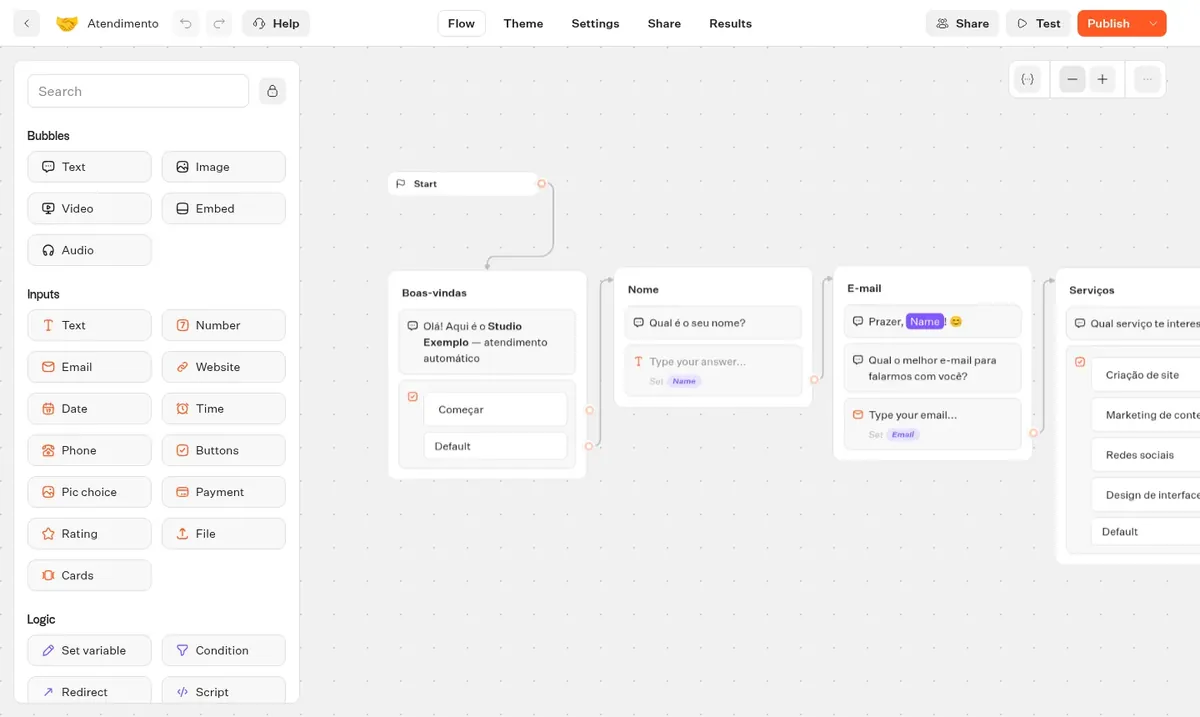
Typebot is an open source project for building guided conversational chatbots. You design the flow on a visual canvas, combining messages, questions, conditions and variables, without writing code.
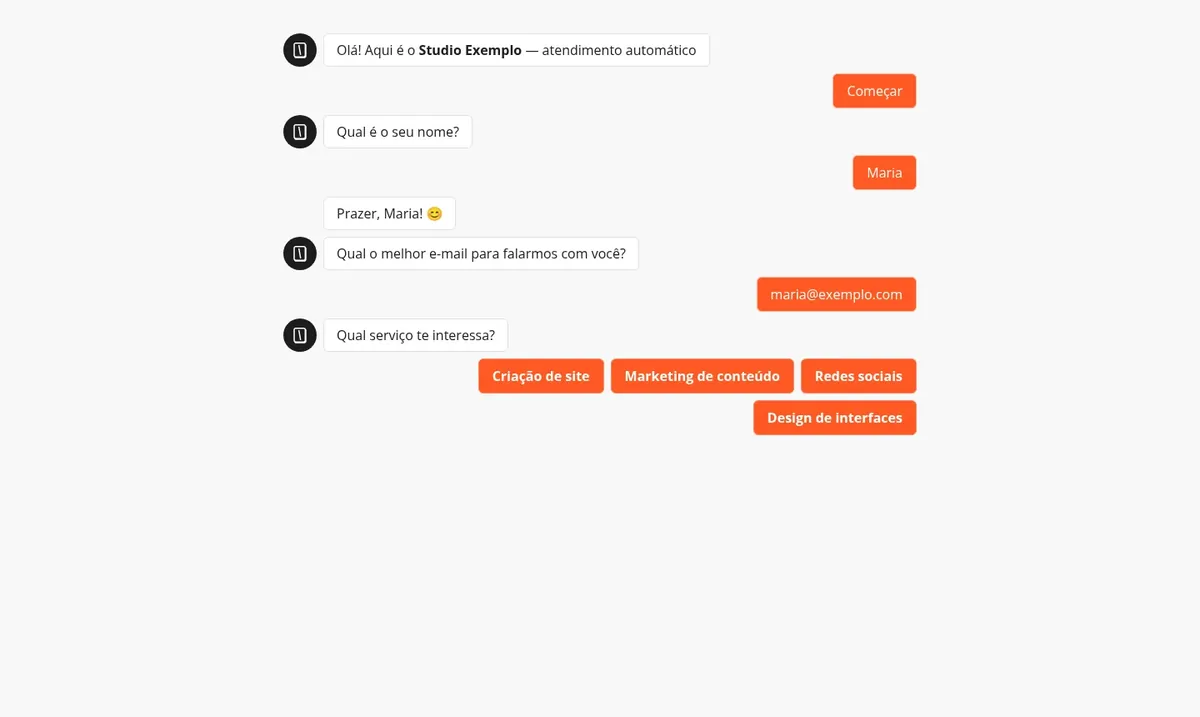
Each published bot has its own address and can be embedded on your website as a bubble, popup or full page. Responses are stored on the platform and can be sent to spreadsheets, webhooks, n8n or AI models.
In the Mega installation, Typebot uses two HTTPS addresses: one for the builder, where you edit your bots, and one for the published bots, which is what your audience visits.
A bot that asks for name, email and topic of interest, instead of a static form.
The visitor picks a topic and the bot answers common questions or routes them to the right person.
A sequence of questions collects the request details before they reach your team.
Scored questions with conditions, ending in a personalized result.
Blocks for OpenAI and other models, using your own API key.
Each response can go through a webhook to a CRM, spreadsheet or automation workflow.
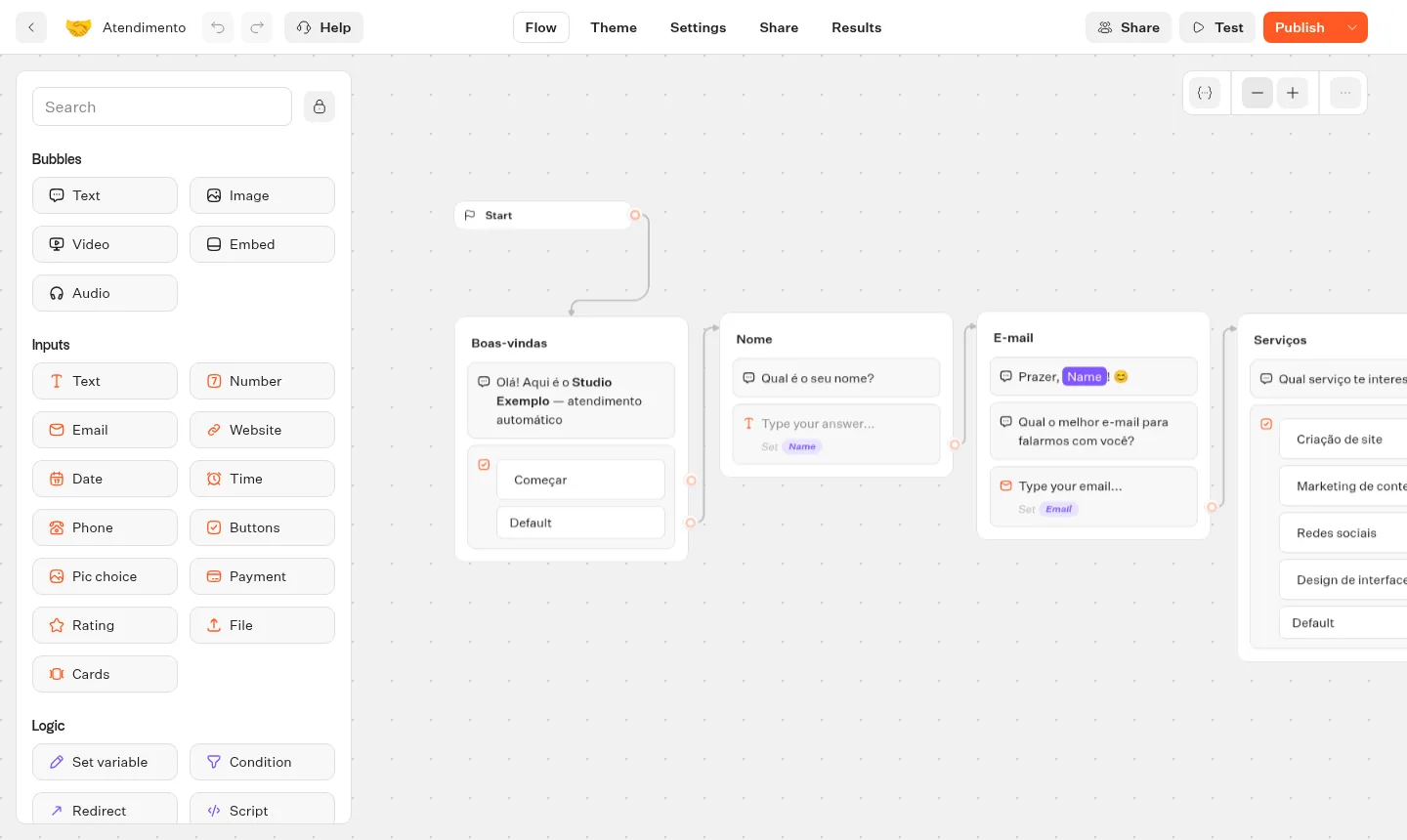
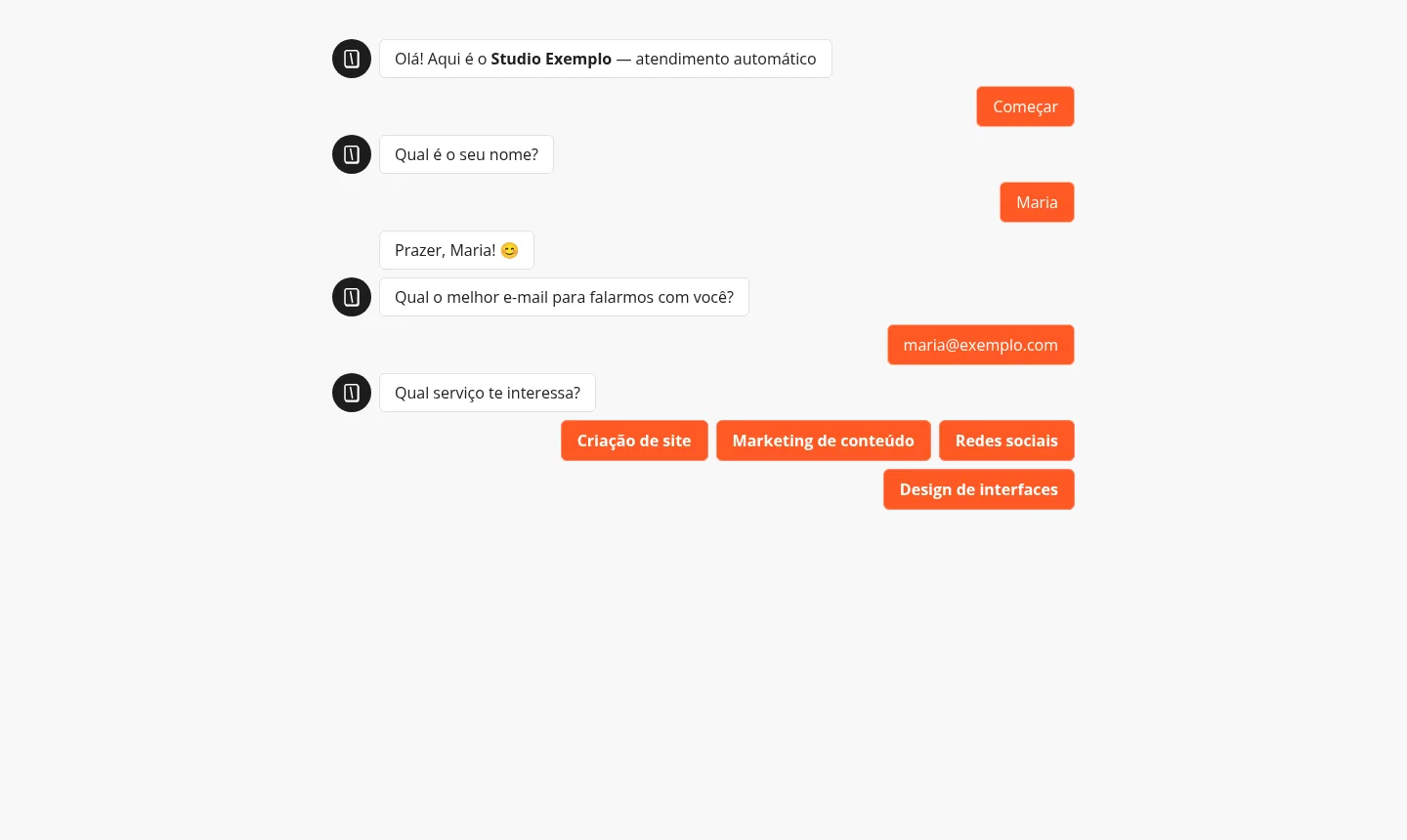
Images from a Mega Dedicados test installation, with fictitious data and no customer information.
Typebot runs in Docker and starts again on its own if the server restarts.
One for the builder and one for published bots, each with a Let's Encrypt certificate.
The owner account already exists when you receive access, with no sign-up step.
Only the admin email is accepted, so outsiders cannot create accounts.
They are generated during installation and stay with you only.
Typebot 3.18 does not change unless you decide it should, and you update when you prefer.
Select Start, Basic, Plus or Pro and tell us whether the server goes in Rio de Janeiro or São Paulo, Brazil. The price is the same.
We accept Pix, card or boleto, on a monthly, semiannual or annual cycle, with no lock-in contract.
Once payment is confirmed, the VPS is created and Typebot is installed with HTTPS automatically.
The address and credentials arrive by email and WhatsApp, and you can start building your bots right away.
Typebot needs about 1536 MB of free memory, so Plus is the recommended plan for running it comfortably. If you will share the VPS with other apps, move up to Pro or Turbo.
| Plan | Best for |
|---|---|
| Basic 2 vCore · 2 GB | Runs Typebot alone on the server, but with minimal memory headroom. Good for testing and small flows. |
| Plus 2 vCore · 4 GB | Recommended plan: Typebot with good memory and disk headroom, ideal for starting in production with peace of mind. |
| Pro 4 vCore · 6 GB | For sharing the VPS with one or two other apps and handling more simultaneous conversations, with 4 vCores. |
| Turbo 4 vCore · 12 GB | For several apps on the same VPS or high-traffic bots, with more memory and disk to grow. |
Typebot is free and open source, so you only pay for the VPS. At Mega Dedicados the Start plan is per month, and the platform imposes no limit on bots or conversations.
Typebot needs about 1536 MB of free memory. Start is the recommended plan for running it alone, and Basic, Plus and Pro suit setups with more bots, more traffic or other apps.
At Mega you do not need to install anything: the VPS is delivered with Debian 13, Docker, Typebot 3.18, HTTPS and an admin account ready. Your access details arrive by email and WhatsApp.
Typebot does not use a regular password. The login page sends a code by email. For this to work on later logins, you need to set up your own email server in Typebot.
No. Public sign-up is disabled and only the admin email is accepted. Your bot builder stays limited to you and the people you authorize.
A published bot is a web page, which you can share as a link on WhatsApp. For it to chat inside WhatsApp itself, you need to connect Typebot to a WhatsApp API such as Evolution API, which can run on another address on the same VPS if memory allows.
The installed version is 3.18 and stays pinned, so nothing changes without notice. When you want to update, log in to the server as root via SSH and run the update after testing it.
There is no lock-in, and you have 7 days to request a refund. Support is available 24/7 in Portuguese by WhatsApp, ticket and phone, for server-related matters. Using Typebot itself is covered by the project's documentation.
Updated on October 19, 2026
 ChatwootChatwoot is an open source support desk that brings multiple channels and agents together in one place.
 Evolution APIEvolution API is an open source project that connects WhatsApp numbers to your system via HTTP calls.
 n8nn8n connects apps, APIs and AI models in automated workflows built in a visual editor.
Tell us what you want to run and for how many users; we will suggest the plan. The app arrives installed.