
Start
US$ 6.95/mo
- 1 vCore CPU
- 1 GB Memory
- NVME 20 GB Disk
- Unlimited Traffic
 Monitoring · Rio de Janeiro or São Paulo
Self-hosted Grafana without building anything from scratch: you get a Cloud VPS with Debian 13, Docker and Grafana 13.2.4 already running, with an HTTPS address and an admin account ready. Choose the data center in Rio de Janeiro or São Paulo, Brazil.
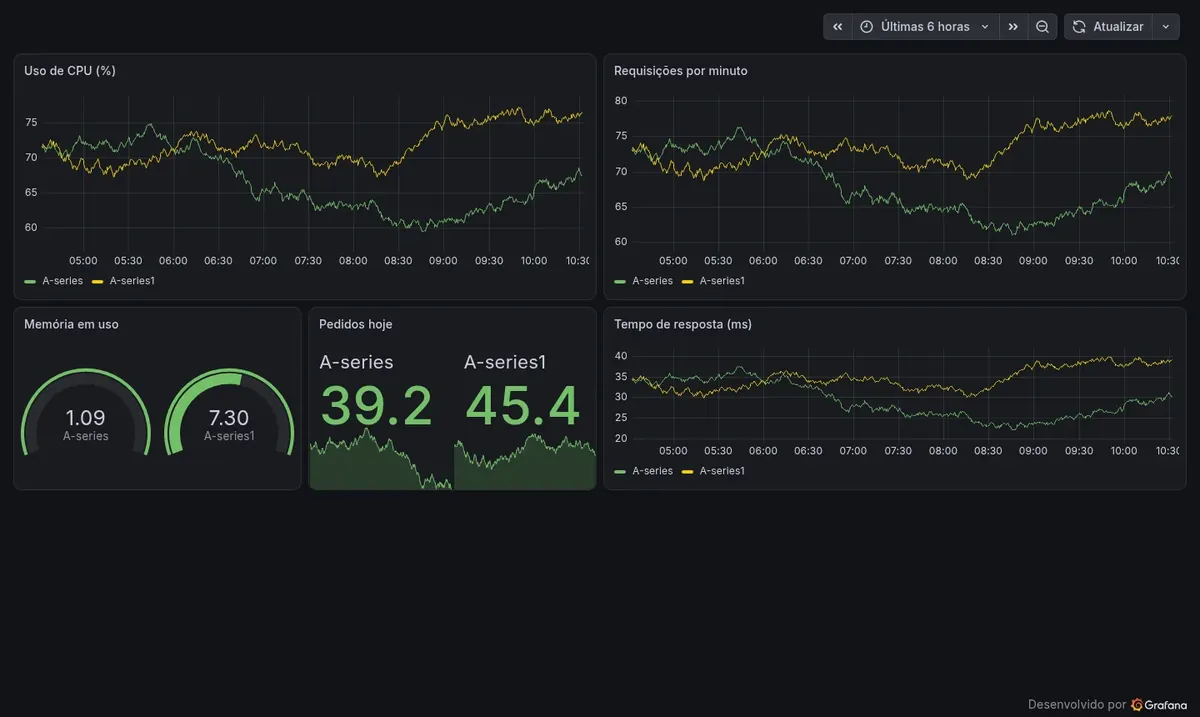
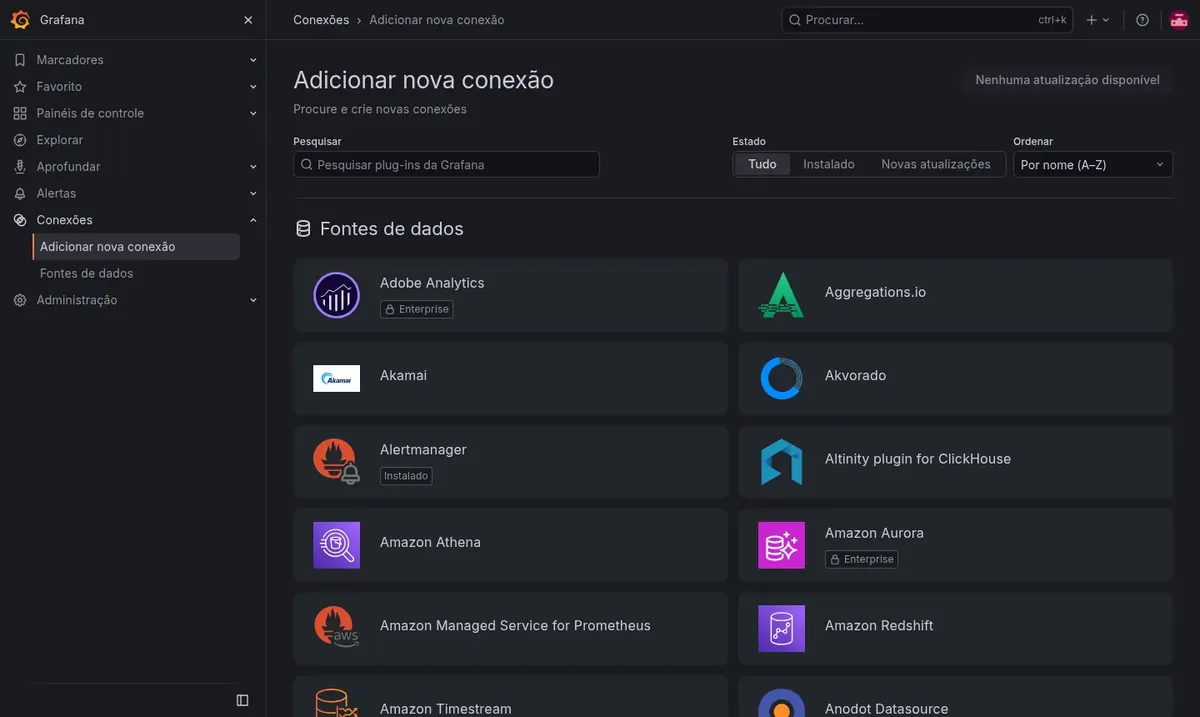
Grafana fits in 512 MB of free RAM, so the Start plan (1 vCore, 1 GB RAM and 20 GB NVMe) is enough. Basic, Plus and Pro give you room for more users, heavy queries or other apps on the same VPS.
Billed monthly in US dollars, with the app installed. Rio de Janeiro or São Paulo, same price. Plans start at the smallest size where the app runs well. Need more? Upgrade from the client area, without reinstalling.
With Rio de Janeiro selected, your VPS with Grafana runs in Mega's original data center, on our own network with a presence at the Rio internet exchange (IX.br) and redundant transit. It is the lowest latency for users in Rio, Espírito Santo and Minas Gerais, and our support team works in the same city as the server.
With São Paulo selected, your VPS with Grafana runs in our environment next to the busiest internet exchange in Latin America, on our own network with redundant transit. It is the shortest path to users across Brazil and South America and to banks, payment gateways and APIs hosted in São Paulo. Same price as Rio.
Grafana is an open source platform for visualizing data. It reads from sources such as Prometheus, MySQL, PostgreSQL, InfluxDB, Elasticsearch and APIs, and shows the results as charts, gauges and tables on dashboards.
It also watches your numbers for you. You set a threshold and, when a value crosses it, Grafana sends an alert by email, Telegram, Slack, webhook or another configured channel.
At Mega we install Grafana OSS, the free edition, with the interface in Portuguese. Public sign-up is turned off, so only the administrator can create new users.
See CPU, memory, disk and network usage for many machines on a single screen.
Connect your online store or ERP database and track orders, revenue and average order value.
Measure response time, error rate and request volume for each API or service.
Get notified when a disk fills up, a queue grows or sales drop too far.
Use kiosk mode to keep your charts always visible on an office screen.
Create read-only users so clients or management can view dashboards without changing anything.
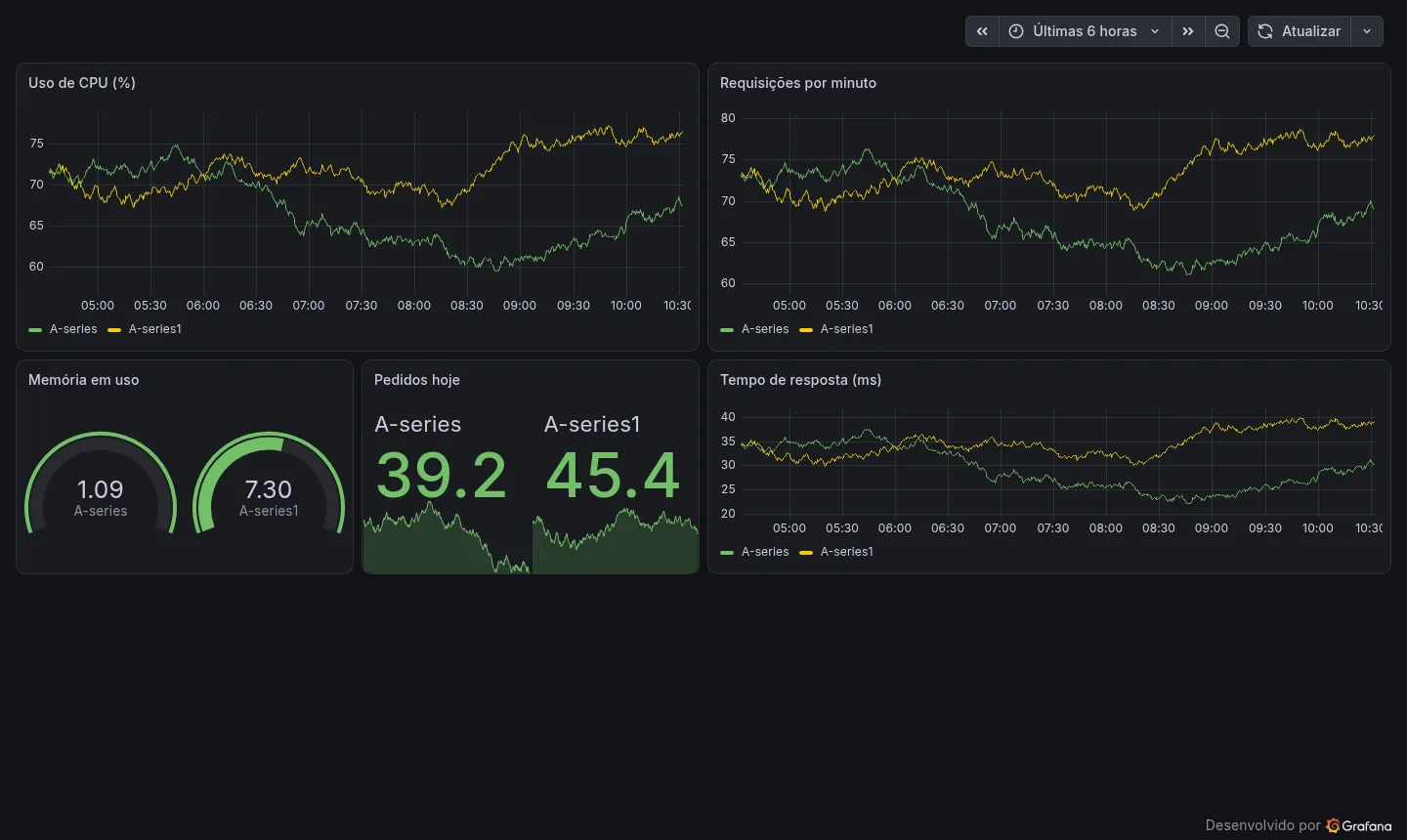
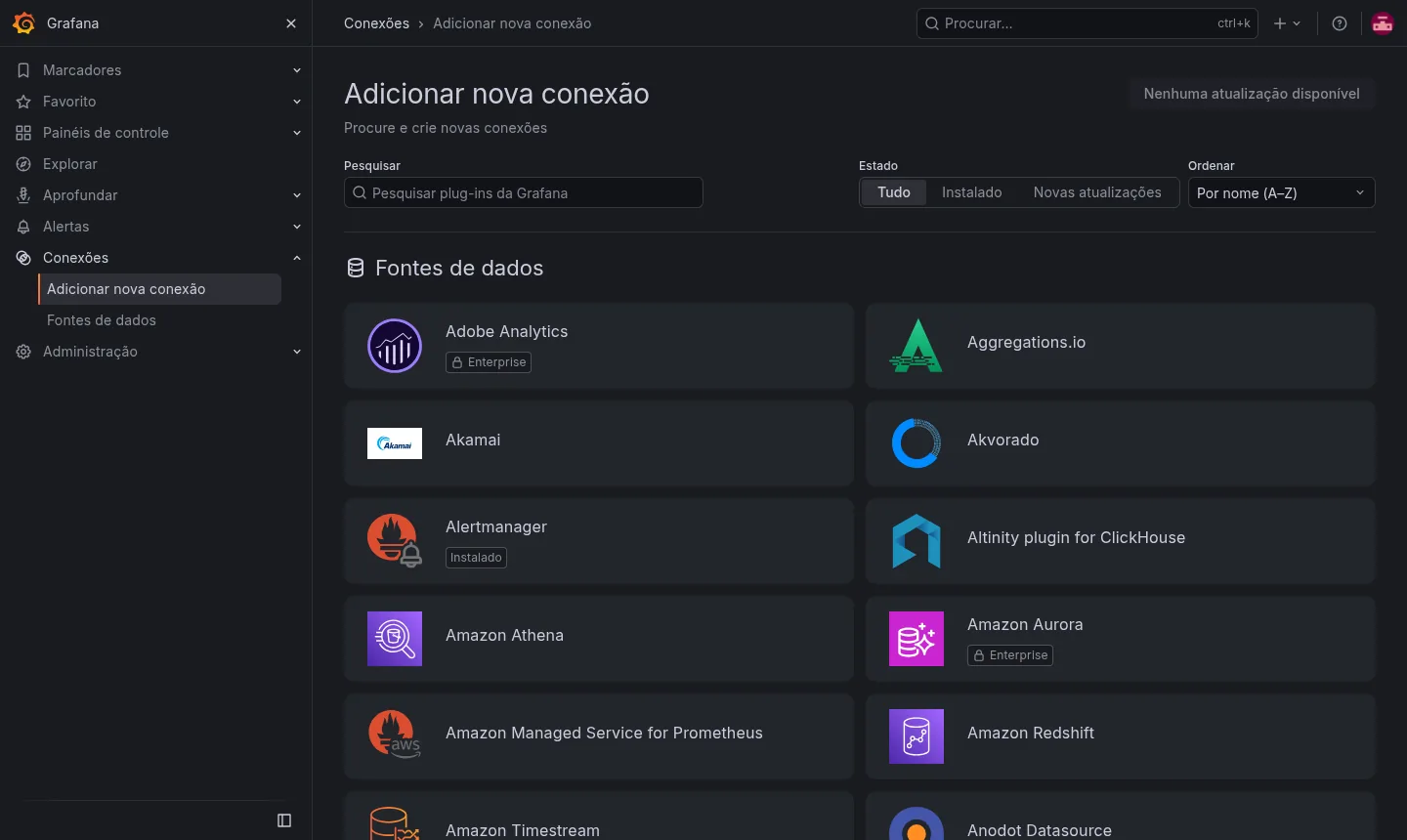
Images taken on a Mega Dedicados test installation, with no customer data.
Grafana runs in a container and comes back on its own if the server reboots.
Your own address with a Let's Encrypt certificate, with no proxy or renewal to configure.
The administrator account already exists, with a password generated during installation and unique to you.
Outsiders cannot open an account; new users can only be added by the administrator.
The default language is already set, for you and your team.
Full control of Debian 13 to install plugins, adjust the container or upgrade the version.
Select Start, Basic, Plus or Pro and pick the Rio de Janeiro or São Paulo, Brazil data center. The price is the same in both.
Pay by Pix, card or boleto, on a monthly, semiannual or annual cycle. There is no lock-in contract.
The VPS is created and Grafana is installed with HTTPS and an administrator, all automatically.
The address and login details arrive by email and WhatsApp. Just connect your first data source and build your dashboards.
In our measurements, idle Grafana uses about 400 MB of memory. Heavy queries and many users connected at the same time require more.
| Plan | Best for |
|---|---|
| Start 1 vCore · 1 GB | Recommended to get started: a few dashboards, used by you and your team. |
| Basic 2 vCore · 2 GB | More dashboards, active alerts and queries on medium-sized databases. |
| Plus 2 vCore · 4 GB | Grafana alongside Prometheus, Uptime Kuma or other apps on the same VPS. |
| Pro 4 vCore · 6 GB | Many simultaneous users, screens open all day and heavy queries. |
The Start plan, recommended to get started, costs US$ 6.95 per month. Grafana OSS is free, so you only pay for the VPS. Basic, Plus and Pro cost US$ 11.95, US$ 16.95 and US$ 21.95 per month.
Grafana fits in 512 MB of free RAM and, when idle, uses about 400 MB in our measurements. If you will run other apps alongside it or run heavy queries, choose a plan with more RAM.
No. It displays data from sources you connect, such as Prometheus, a SQL database or an API. Once connected, you build the dashboards your way.
No. Public sign-up comes turned off, and only the administrator can add users. This keeps your dashboards closed to strangers.
Yes. Each app gets its own address, and the only condition is that they all fit in the plan's memory. Grafana with Prometheus, for example, calls for a plan like Plus.
The delivered version is 13.2.4 and stays fixed, so nothing changes without notice. You upgrade whenever you want through root access, preferably after testing.
Support is 24/7 in Portuguese, by WhatsApp, ticket and phone, for everything involving the server. Using Grafana itself is covered by the project's documentation.
Yes. There is no lock-in and you have 7 days to request a refund. You can pay by Pix, card or boleto.
Updated on October 19, 2026
 Uptime KumaUptime Kuma watches your sites, APIs and servers and alerts you when something goes down.
 PortainerPortainer is a web panel to manage Docker: containers, images, volumes and stacks on one screen.
 QdrantQdrant is a vector database that stores embeddings and finds similar content, for semantic search and RAG.
Tell us what you want to run and for how many users; we will suggest the plan. The app arrives installed.