
Start
US$ 6.95/mo
- 1 vCore CPU
- 1 GB Memory
- NVME 20 GB Disk
- Unlimited Traffic
 Docker and deploy · Rio de Janeiro or São Paulo
A Cloud VPS with Debian 13, Docker and Docker Compose already installed, ready for your containers. A Caddy proxy handles HTTPS: point your domain at the server and it issues the certificate. Choose Rio de Janeiro or São Paulo, Brazil when you order.
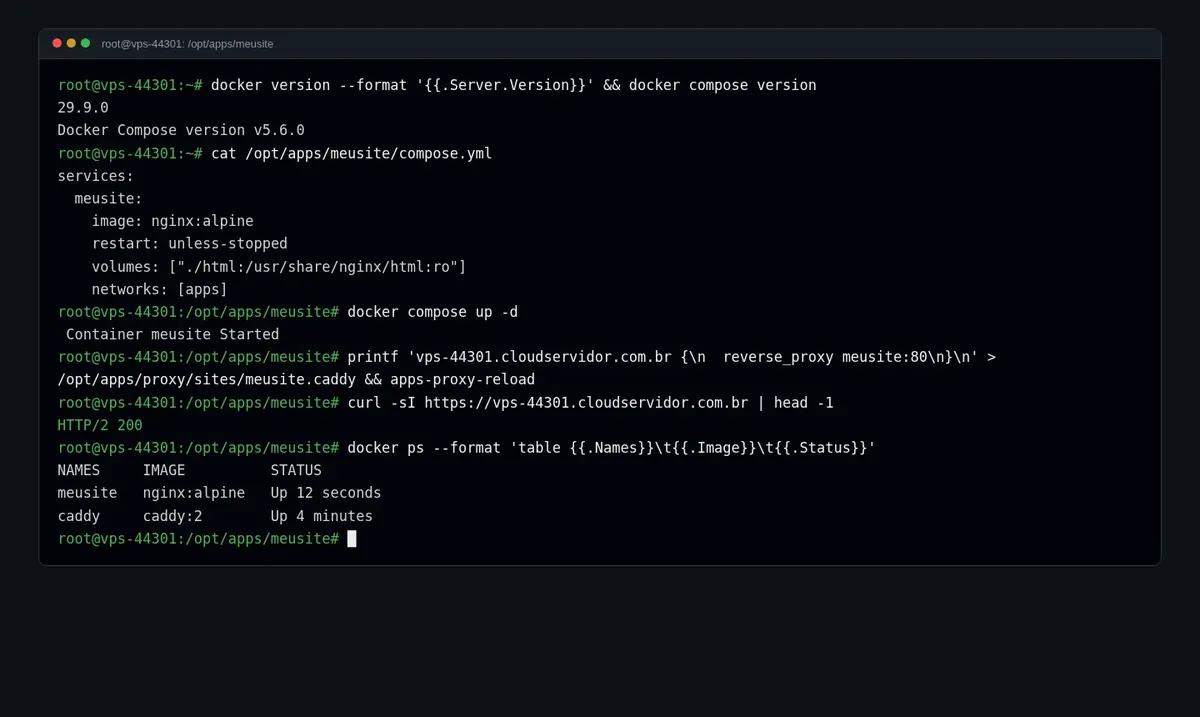
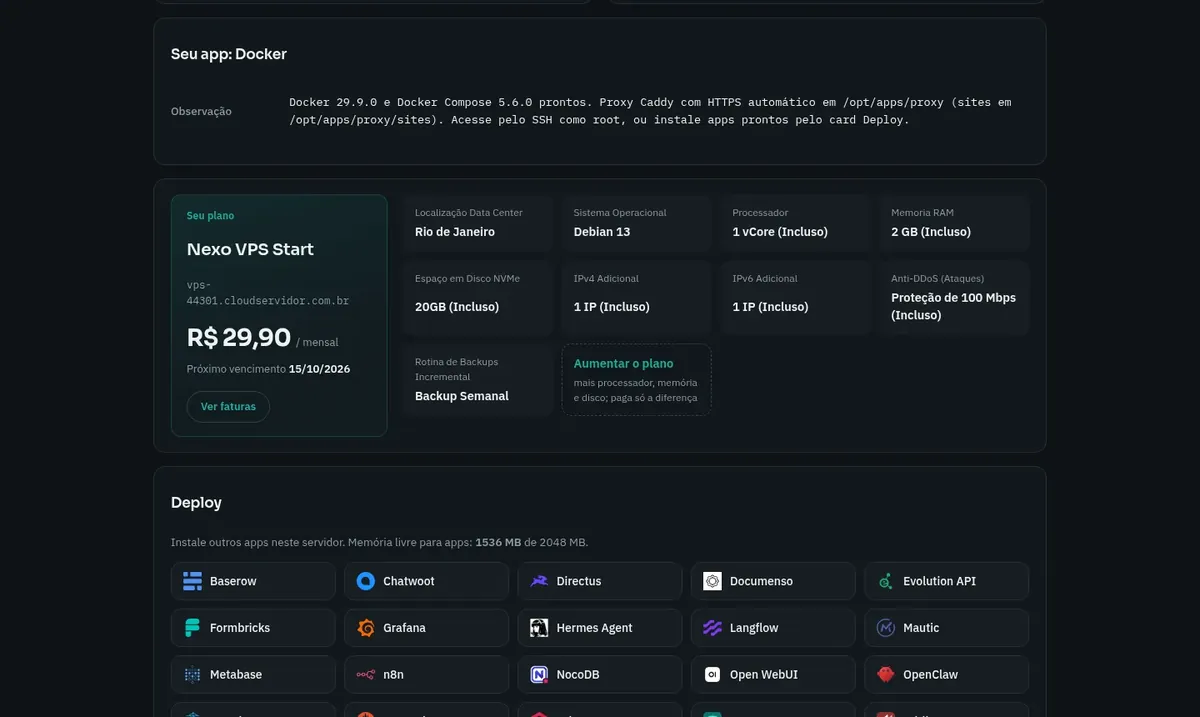
Docker and the proxy together use less than 400 MB of memory, so the rest of the plan is free for your containers. All plans include NVMe storage, 1 Gbps with unlimited traffic and inline DDoS protection.
Billed monthly in US dollars, with the app installed. Rio de Janeiro or São Paulo, same price. Plans start at the smallest size where the app runs well. Need more? Upgrade from the client area, without reinstalling.
With Rio de Janeiro selected, your VPS with Docker runs in Mega's original data center, on our own network with a presence at the Rio internet exchange (IX.br) and redundant transit. It is the lowest latency for users in Rio, Espírito Santo and Minas Gerais, and our support team works in the same city as the server.
With São Paulo selected, your VPS with Docker runs in our environment next to the busiest internet exchange in Latin America, on our own network with redundant transit. It is the shortest path to users across Brazil and South America and to banks, payment gateways and APIs hosted in São Paulo. Same price as Rio.
Docker packages an application with everything it needs inside a container, isolated from the other services on the server. Docker Compose completes the picture: you describe several containers in one compose.yml file and start them all with a single command.
The server is delivered with Debian 13, Docker 29.9 and Compose 5.6, installed from Docker's official repository. The apps network and a Caddy proxy are also already in place. The proxy listens on ports 80 and 443 and issues the HTTPS certificate for each configured domain.
There is no pre-built application: the VPS arrives ready for you to bring your own containers. You log in as root over SSH and decide what runs. You can keep more than one project on the same server, each with its own address, as long as they fit in the plan's memory.
Source: Official Docker documentation
A containerized application with its database alongside, described in a single compose.yml.
Services that need to stay on 24 hours a day, answering at an HTTPS address.
Start and remove application versions without cluttering your own computer.
Run any image published on Docker Hub or GitHub.
One configuration file per domain in the proxy, each with its own certificate.
Keep each project in its own containers and run everything on a single server.
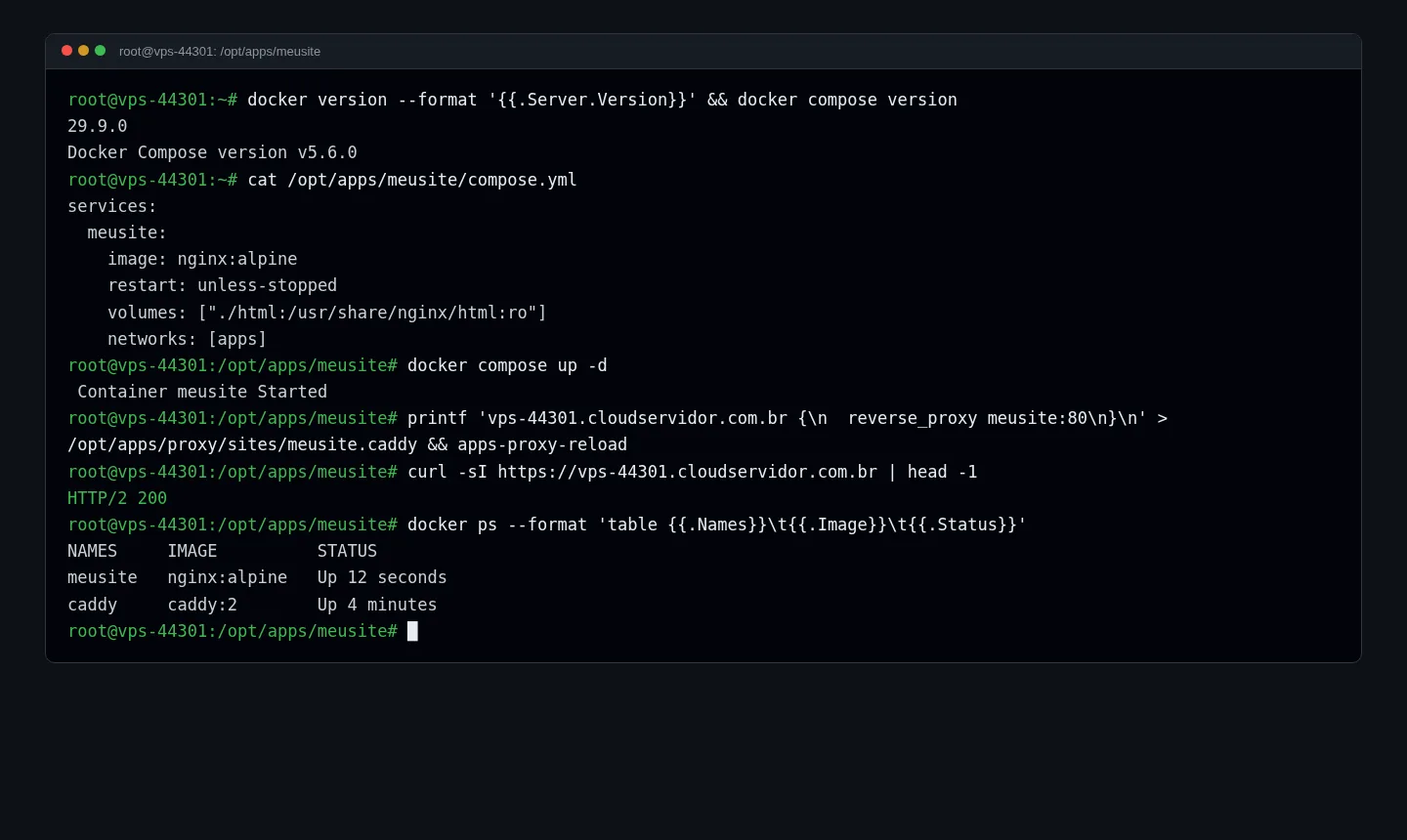
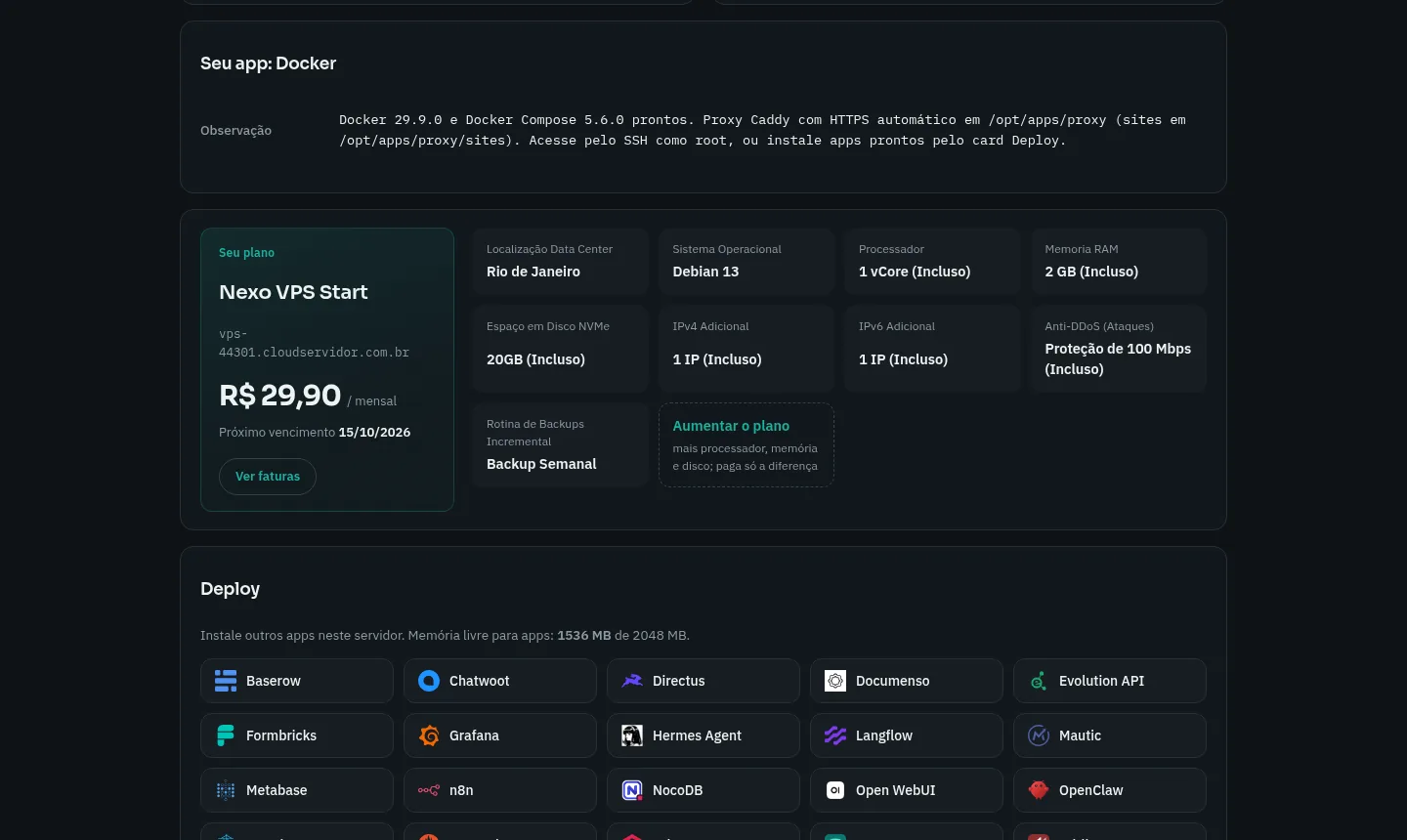
Images from a Mega Dedicados test installation, with no customer data.
Installed from Docker's official repository, not the distribution's.
The docker compose command starts several services at once from one file.
Listens on ports 80 and 443 and routes each address to the right container.
Certificates are issued and renewed without intervention for each configured domain.
Containers attached to it find each other by name, with no need to expose ports.
System with security updates applied automatically.
Select Start, Basic, Plus or Pro and choose whether the server is in Rio de Janeiro or São Paulo, Brazil. The price is the same in both.
Pix, card or boleto, on a monthly, semiannual or annual cycle. There is no lock-in and you have 7 days to request a refund.
As soon as payment is confirmed, the VPS is created with Debian 13, Docker, Compose and the Caddy proxy.
Your access details arrive by email and WhatsApp. Connect over SSH and run your first docker compose up.
Add up the memory each container will use and reserve about 400 MB for Docker and the proxy. What is left determines how much you can run on the server.
| Plan | Best for |
|---|---|
| Start 1 vCore · 1 GB | One site, one API or a small bot, with 1 vCore and 1 GB. |
| Basic 2 vCore · 2 GB | An application with its database alongside, with 2 vCores and 2 GB. |
| Plus 2 vCore · 4 GB | Several services at once or a heavier app, such as Supabase, with 4 GB. |
| Pro 4 vCore · 6 GB | Many containers and high traffic, with 4 vCores and 6 GB. |
At Mega Dedicados, the Start plan, with Docker and Compose already installed, starts at US$ 6.95 per month. Docker has no license fee and the contract has no lock-in.
Point the domain at the VPS IP and attach the container to the apps network. Then create a file in /opt/apps/proxy/sites with the address and a reverse_proxy container-name:port line, and run apps-proxy-reload. Caddy issues the certificate on its own.
Yes, since you have root access. Ports 80 and 443 belong to the proxy, so websites and web APIs should go through it. For other protocols, publish the port in your compose.yml.
Yes. Each domain gets its own file in the proxy and its own certificate. The limit is the plan's memory, so add up your containers' usage before choosing.
You decide when, by running apt upgrade as root. Debian applies system security updates on its own, but Docker is not updated automatically, so a new version never takes your containers down by surprise.
Start handles one site, one API or a small bot. If your application needs a database alongside it, Basic gives you more headroom, and you can move to a larger plan when usage grows.
In the VPS panel in the client area you can reinstall the server, which erases everything and returns a clean environment with Docker and the proxy. You can also restart, change the password and open the console there.
Yes. Support runs 24 hours a day, in Portuguese, by WhatsApp, ticket and phone, for everything involving the server. Using Docker itself follows the project's official documentation.
Updated on October 19, 2026
 PortainerPortainer is a web panel to manage Docker: containers, images, volumes and stacks on one screen.
 WordPressGet your own Cloud VPS with WordPress installed, MariaDB database, HTTPS address and admin account created.
 n8nn8n connects apps, APIs and AI models in automated workflows built in a visual editor.
Tell us what you want to run and for how many users; we will suggest the plan. The app arrives installed.